26
1
Before You Begin
LCD Monitor
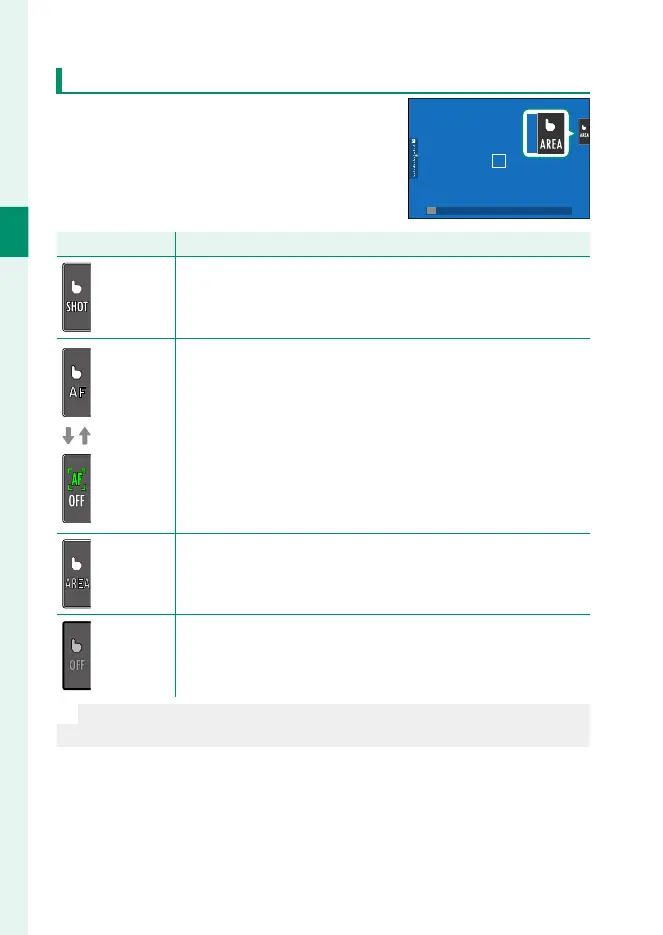
The operation performed can be selected
by tapping the touch screen mode indica-
tor in the display. Touch controls can be
used for the following operations:
Mode
Description
TOUCH
SHOOTING
Tap your subject in the display to focus and release the shutter.
In burst mode, pictures will be taken while you keep your fi nger
on the display.
AF
AFOFF
•
If SINGLE AF is selected for focus mode, the camera will fo-
cus when you tap your subject in the display. Focus locks at
the current distance until you tap the AFOFF icon.
•
If CONTINUOUS AF is selected for focus mode, the camera
will initiate focus when you tap your subject in the display.
The camera will continue to adjust focus for changes in the
distance to the subject until you tap the AFOFF icon.
•
When MANUAL FOCUS is selected for focus mode, you can
tap the display to focus on the selected subject using autofocus.
AREA
Tap to select a point for focus or zoom. The focus frame will
move to the selected point.
OFF
Touch screen mode off .
O
•
The behavior of the touch screen varies with the AF mode.
•
Di erent touch controls are used during focus zoom (P 166).













 To Next Page