Set the Mode dial to "lE_".
This is the easiest mode to use and can be used
for most types of shots.
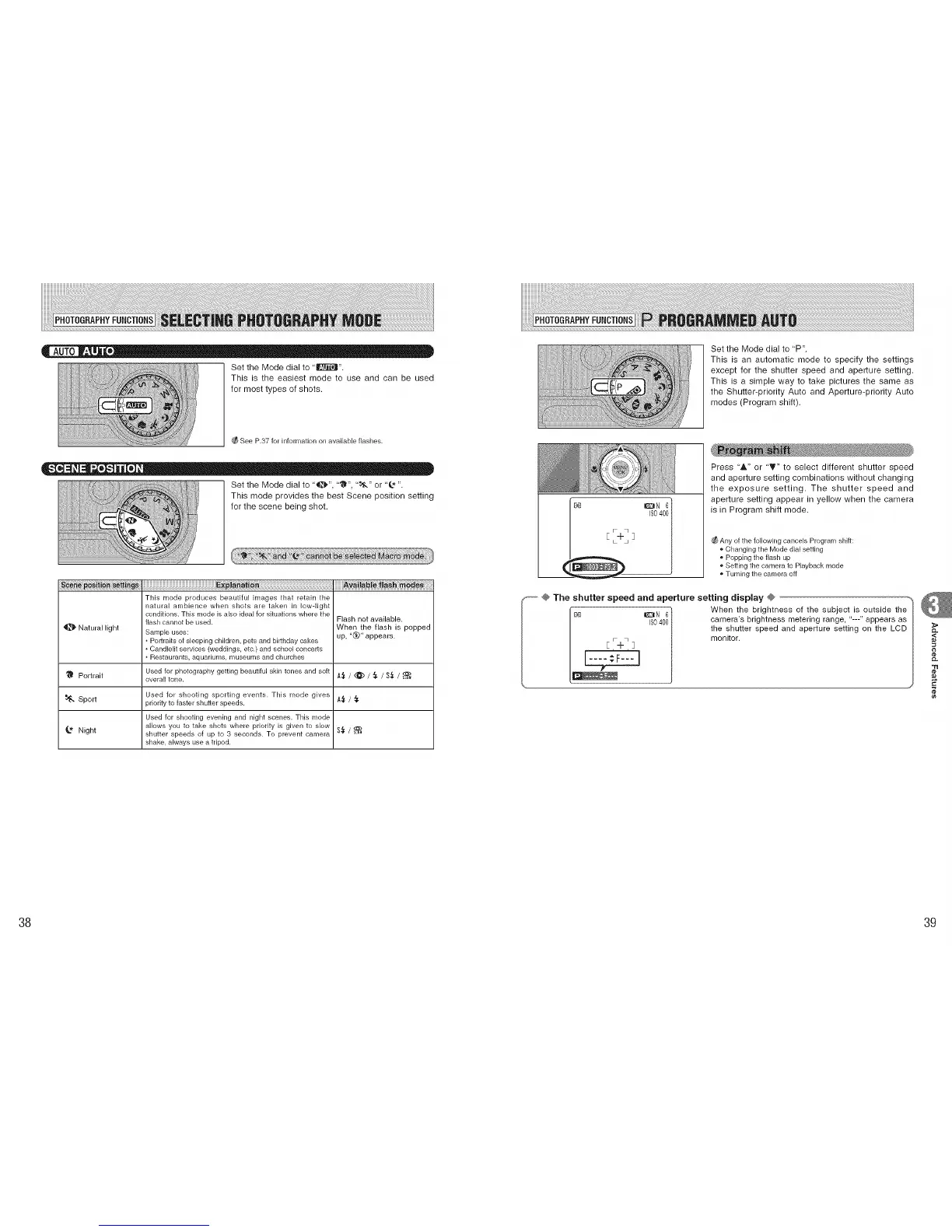
Set the Mode dial to 'P".
This is an automatic mode to specify the settings
except for the shutter speed and aperture setting.
This is a simple way to take pictures the same as
the Shutter-priority Auto and Aperture-priority Auto
modes (Program shift).
See P.37 for information on available flashes.
Set the Mode dial to '_", "'_", ' tO," or '@ ".
This mode provides the best Scene position setting
for the scene being shot.
.................................................................._i:i_6i_ fi_ 6_a_
This mode produces beautiful images that retain the
natural ambience when shots are taken in low-light
conditions. This mode is also ideal for situations where the
flash cannot be used. Flash not available.
When the flash is popped
_]_ Natural light Sample uses: up, "t_" appears.
Portraits of sleeping children, pets and birthday cakes
Candlelit services (weddings, etc.) and school concerts
Restaurants, aquariums, museums and churches
Used for photography getting beautiful skin tones and soft A._ / @ / ._ / S._ /
I_ Portrait overall tone.
Used for shooting sporting events. This mode gives A._ / ._.
Sport priority to faster shutter speeds.
Used for shooting evening and night scenes. This mode
allows you to take shots where priority is given to slow S_ /
_" Night shutter speeds of up to 3 seconds. To prevent camera
shake, always use a tripod.
[e] _N 61
/
Press 'A" or 'T" to select different shutter speed
and aperture setting combinations without changing
the exposure setting. The shutter speed and
aperture setting appear in yellow when the camera
is in Program shift mode.
_ Any of the following cancels Program shift:
o Changing the Mode dial setting
o Popping the flash up
o Setting the camera to Playback mode
Turning the camera off
_ @ The shutter speed and aperture setting display @ ................
C_ E F_i_q 3 _N €} When the brightness of the subject is outside the
I$0 400 camera's brightness metering range, "---" appears as
the shutter speed and aperture setting on the LCD
monitor.
38 39











 To Next Page