5
6
............Nl iliii!li
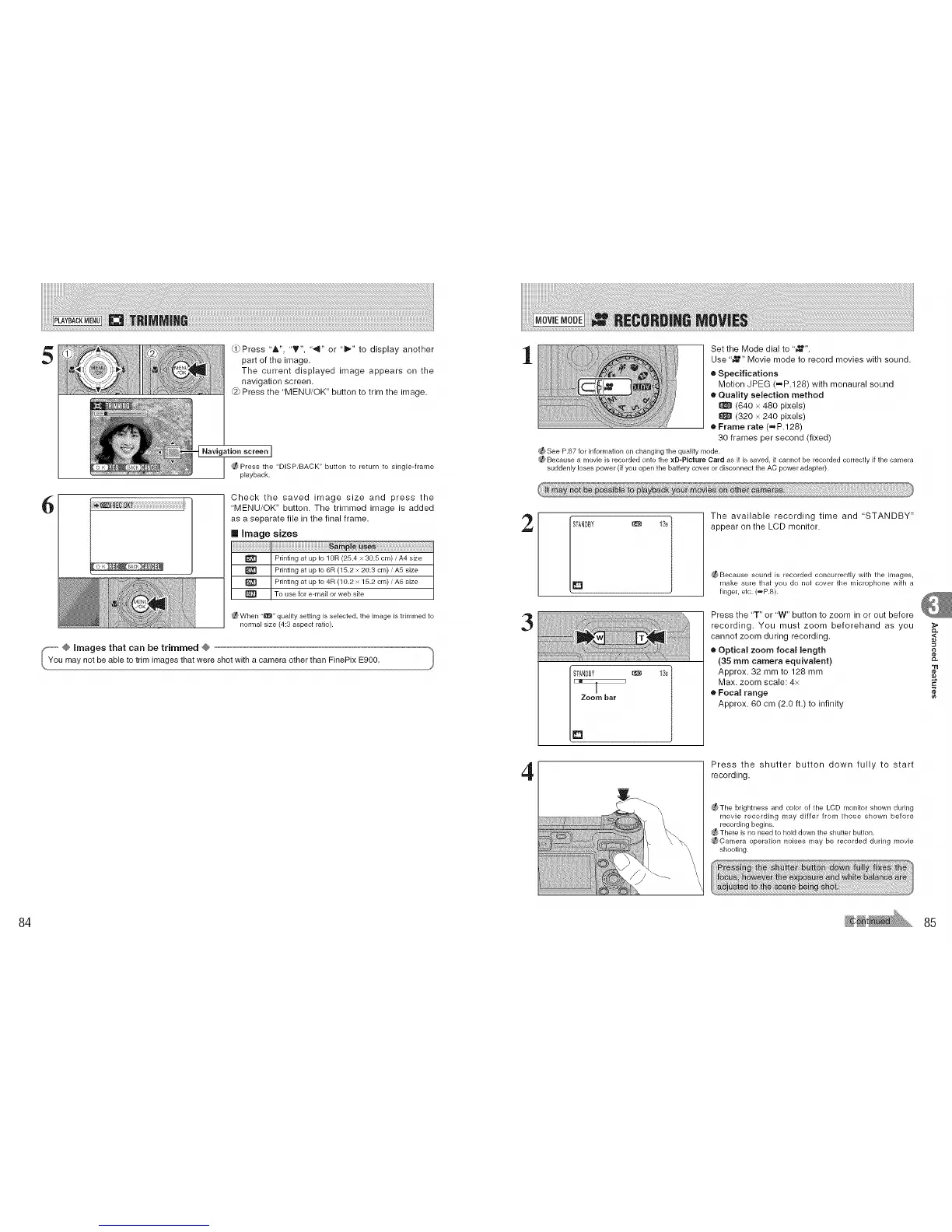
Q} Press 'A", 'T", '_" or "l_" to display another
part of the image.
The current displayed image appears on the
navigation screen.
@ Press the "MENU/OK" button to trim the image.
Navigation screen ]
Press the "DISPiBACK" button to return to single-frame
playback.
Check the saved image size and press the
"MENU/OK" button. The trimmed image is added
as a separate file in the final frame.
Image sizes
{_ When "_" quality setting is selected, the image is trimmed to
normal size (4:3 aspect ratio).
1
Set the Mode dial to ' _=_".
Use '_=_" Movie mode to record movies with sound.
e Specifications
Motion JPEG (=P.128) with monaural sound
• Quality selection method
(640 x 480 pixels)
(320 x 240 pixels)
e Frame rate (=P.128)
30 frames per second (fixed)
_See P.87 for information on changingthe quality mode.
Because a movieis recorded onto the xD-PIcture Card as it is saved, it cannot be recorded correctly if the camera
suddenly loses power (if you open the battery cover ordisconnect the AC power adapter).
2
3
4
_ 13s
[_ Zoom bar
The available recording time and "STANDBY"
appear on the LCD monitor.
;_ Because sound is recorded concurrently with the images,
r'_lake sure that you do not cover the microphone with a
finger, etc. (=P.8).
Press the "T" or "W" button to zoom in or out before
recording. You must zoom beforehand as you >
CL
cannot zoom during recording. <
e Optical zoom focal length
(35 mm camera equivalent) _-
"11
Approx. 32 mm to 128 mm
Max. zoom scale: 4x E
• Focal range
Approx. 60 cm (2.0 ft.) to infinity
Press the shutter button down fully to start
recording.
;_The brightness and color of the LCD monitor shown during
movie recording may differ from those shown before
recording begins.
_ There is no need to hold down the shutter button.
_Camera operation noises may be recorded during movie
shooting.
84 85











 To Next Page