Windows
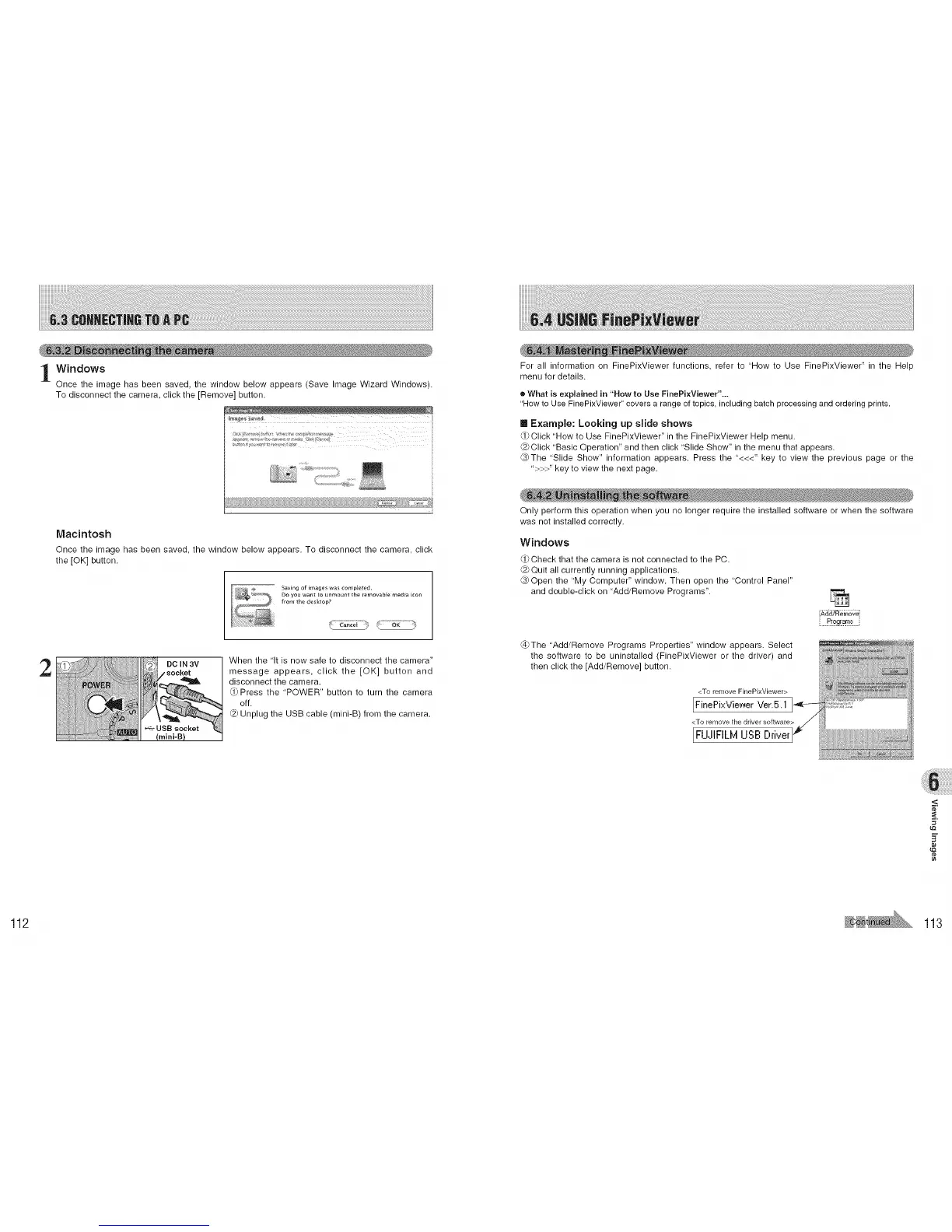
Once the image has been saved, the window below appears (Save Image Wizard Windows).
To disconnect the camera, click the [Remove] button.
i
Macintosh
Once the image has been saved, the window below appears. To disconnect the camera, click
the [OK] button.
'_--_--_' Saving of it_ages was ¢ompJeted,
Do you w_n_ [o unrY_o_nt the removable m_dia icon
from the d_k_op?
_s-:_F-:i _ _-_-_---_:_
2
DO JN3V
.socket
When the 'It is now safe to disconnect the camera"
message appears, click the [OK] button and
disconnect the camera.
Q) Press the 'POWER" button to turn the camera
off.
Unplug the USB cable (mini-B) from the camera.
For all information on FinePixViewer functions, refer to "How to Use FinePixViewer" in the Help
menu for details.
• What is explained in "How to Use FinePixViewer"...
"How to Use FinePixViewer" covers a range of topics, including batch processing and ordering prints.
[] Example: Looking up slide shows
Click 'How to Use FinePixViewer" in the FinePixViewer Help menu.
Click 'Basic Operation" and then click 'Slide Show" in the menu that appears.
_The 'Slide Show" information appears. Press the "<<<" key to view the previous page or the
">>>" key to view the next page.
Only perform this operation when you no longer require the installed software or when the software
was not installed correctly.
Windows
Check that the camera is not connected to the PC.
@ Quit all currently running applications.
_) Open the 'My Computer" window. Then open the "Control Panel"
and double-click on "Add/Remove Programs".
Add/Remove i
Pioglarn_ i
@The "Add/Remove Programs Properties" window appears. Select
the software to be uninstalled (FinePixViewer or the driver) and
then click the [Add/Remove] button.
<To remove FinePixViewer>
[FinePixView, er Vet.5.1
<To rerqovethe driver software>
[FUJtFILM USB Driver
<
t_
112 113











 To Next Page