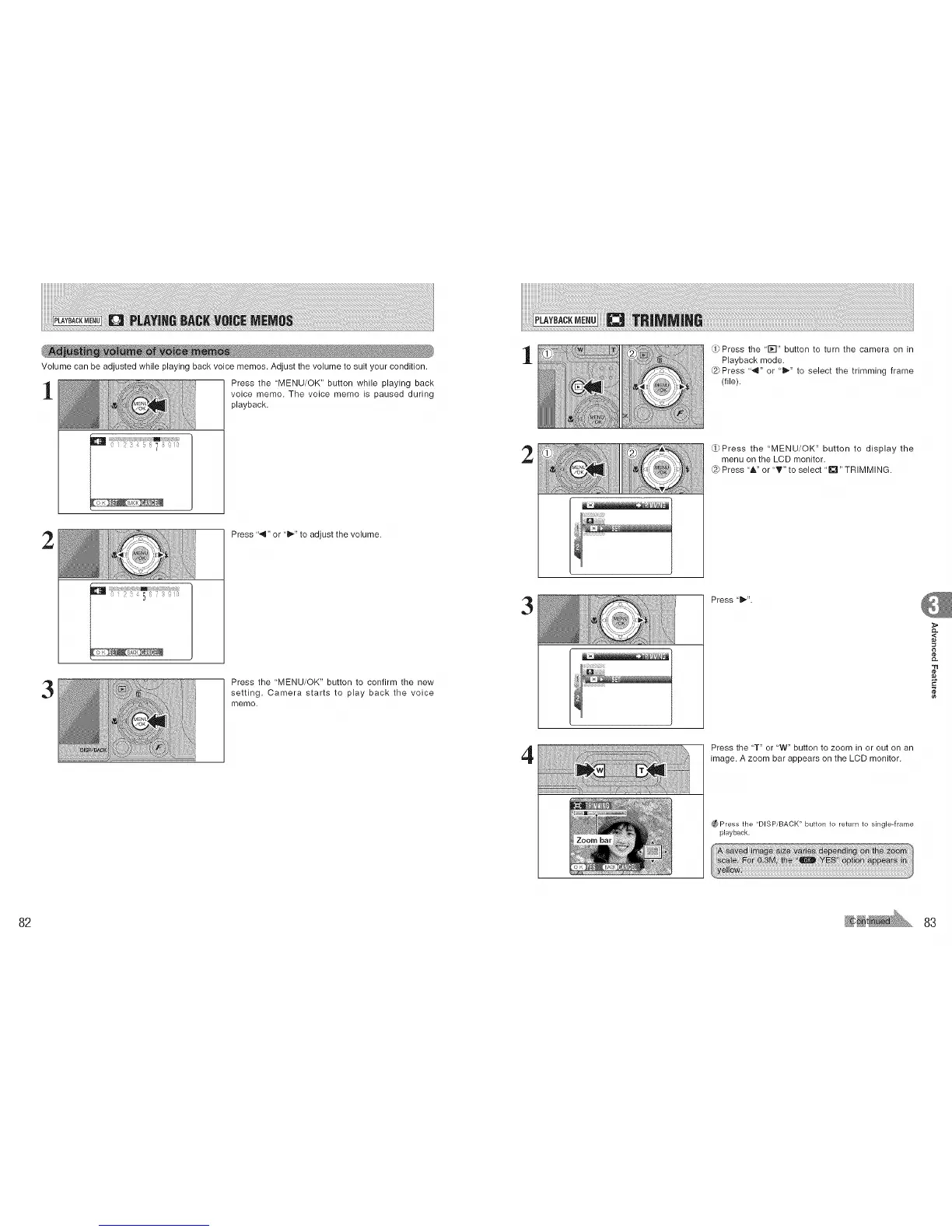
Volume can be adjusted while playing back voice memos. Adjust the volume to suit your condition.
1
Press the 'MENU/OK" button while playing back
voice memo. The voice memo is paused during
playback.
2
Press "4" or "l_" to adjust the volume.
3
Press the 'MENU/OK" button to confirm the new
setting. Camera starts to play back the voice
memo.
1
2
3
4
_Press the '1_-I" button to turn the camera on in
Playback mode.
Press "4" or "_" to select the trimming frame
(file).
Press the "MENU/OK" button to display the
menu on the LCD monitor.
Press "A" or "_'" to select "_'i" TRIMMING.
Press"l_".
Press the 'T" or 'W" button to zoom in or out on an
image. A zoom bar appears on the LCD monitor.
_ Press the "DISP/BACK" button to return to single-frame
playback.
,<
g
¢e
82 83











 To Next Page