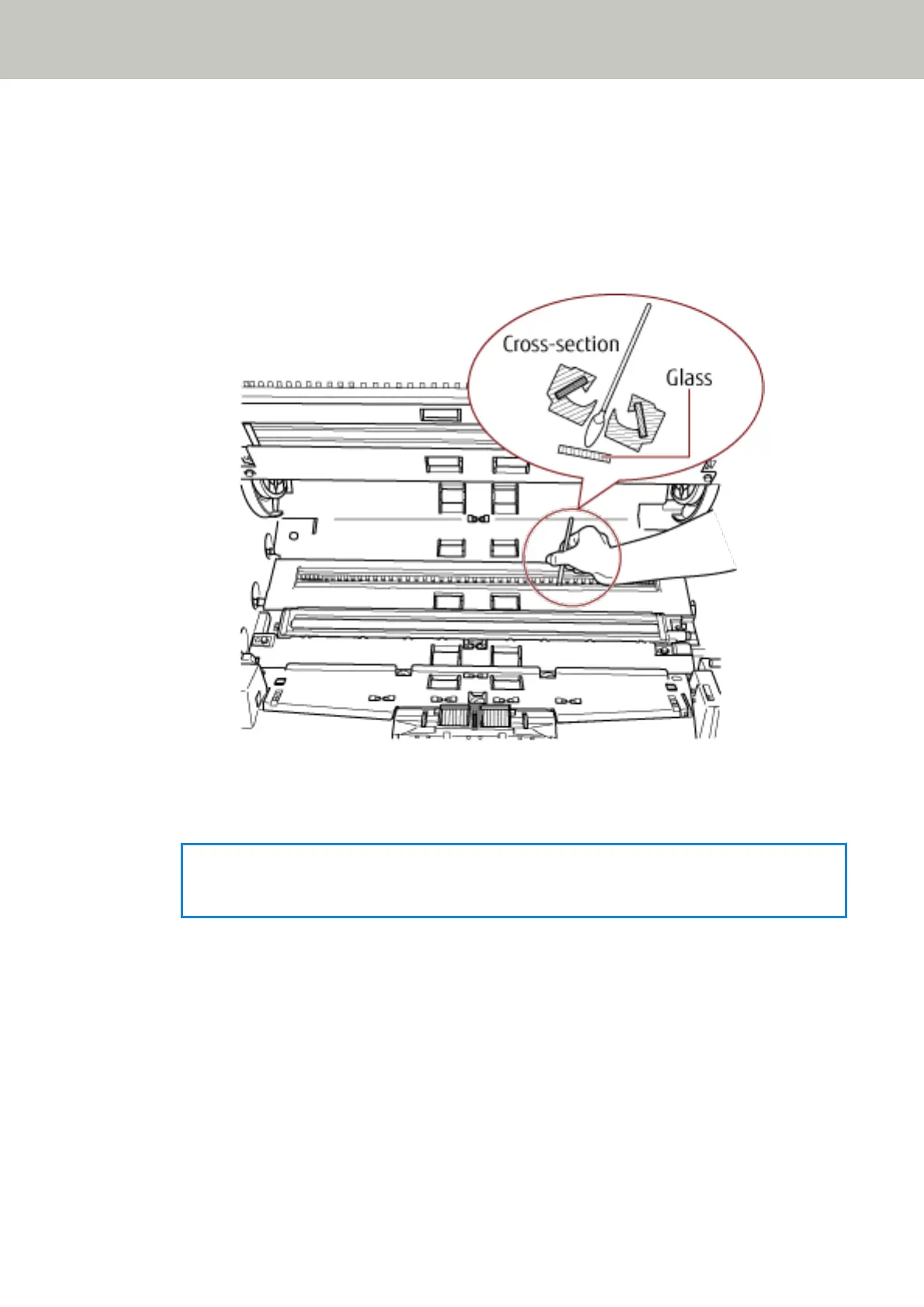
b Tilt the glass to the angle as shown above.
c Remove the glass as you slide it to the left.
d Clean the removed glass.
e From the gap where the glass was attached, clean the other layer of glass inside, using a
cotton swab or something alike.
f After cleaning, place the glass that you removed back to its original place.
g Fasten the screw to fix it in place.
HINT
Vertical streaks may appear on the scanned image when the glass is dirty.
Document Sensor
Clean off the dust quickly.
Daily Care
129



 To Next Page