Daily Care
This section describes how to clean the scanner.
● Do not use aerosol spray or spray that contains alcohol. Paper dust blown up by strong air
from the spray may enter inside the scanner which may cause the scanner to fail or
malfunction.
Also note that sparks generated by static electricity may cause a fire.
● The inside of the ADF becomes very hot when the scanner is being used.
Before you start cleaning the inside of the ADF, make sure to turn off the power, unplug
the power cable and wait for at least 15 minutes for the inside of the ADF to cool down.
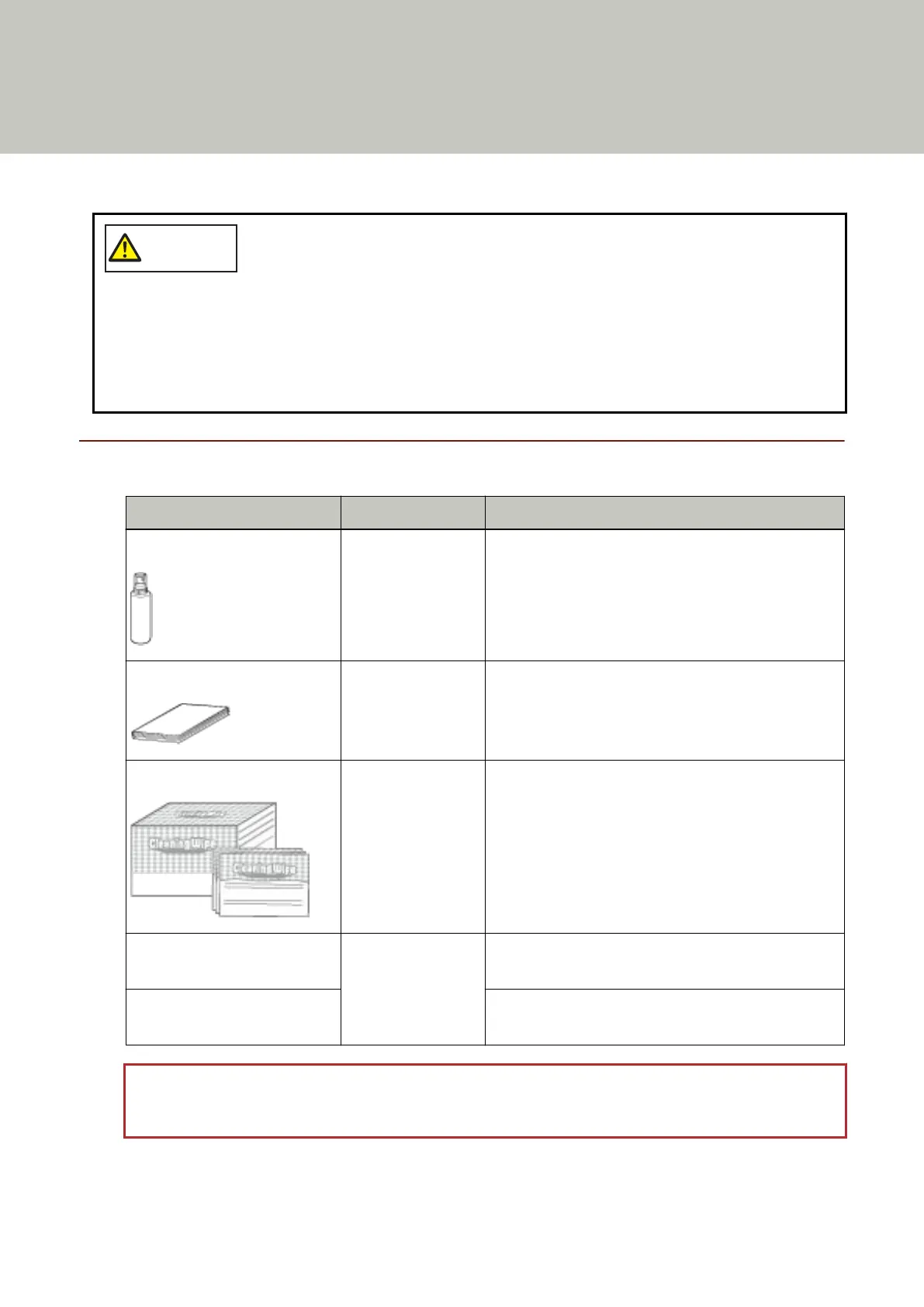
Cleaning Materials
Name Part No. Notes
Cleaner F1 PA03950-0352 100 ml
Liquid cleaner to use for removing dirt and stains
Cleaning Sheet CA99501-0016 20 sheets/pack
This is an A4 size cleaning sheet.
Use two sheets to clean once.
Cleaning Wipe PA03950-0419 24 packets
Pre-moistened with Cleaner F1. It can be used instead
of moistening a cloth with Cleaner F1.
Cotton swab Commercially
available
Used to clean a tiny part such as the document
sensor.
Dry cloth Used to wipe off dirt and stains. Moisten it with
Cleaner F1 for cleaning.
ATTENTION
In order to use the cleaning materials safely and correctly, read the precautions on each product thoroughly.
115



 To Next Page