Adjusting the Output Result for Overscan [Overscan Control]
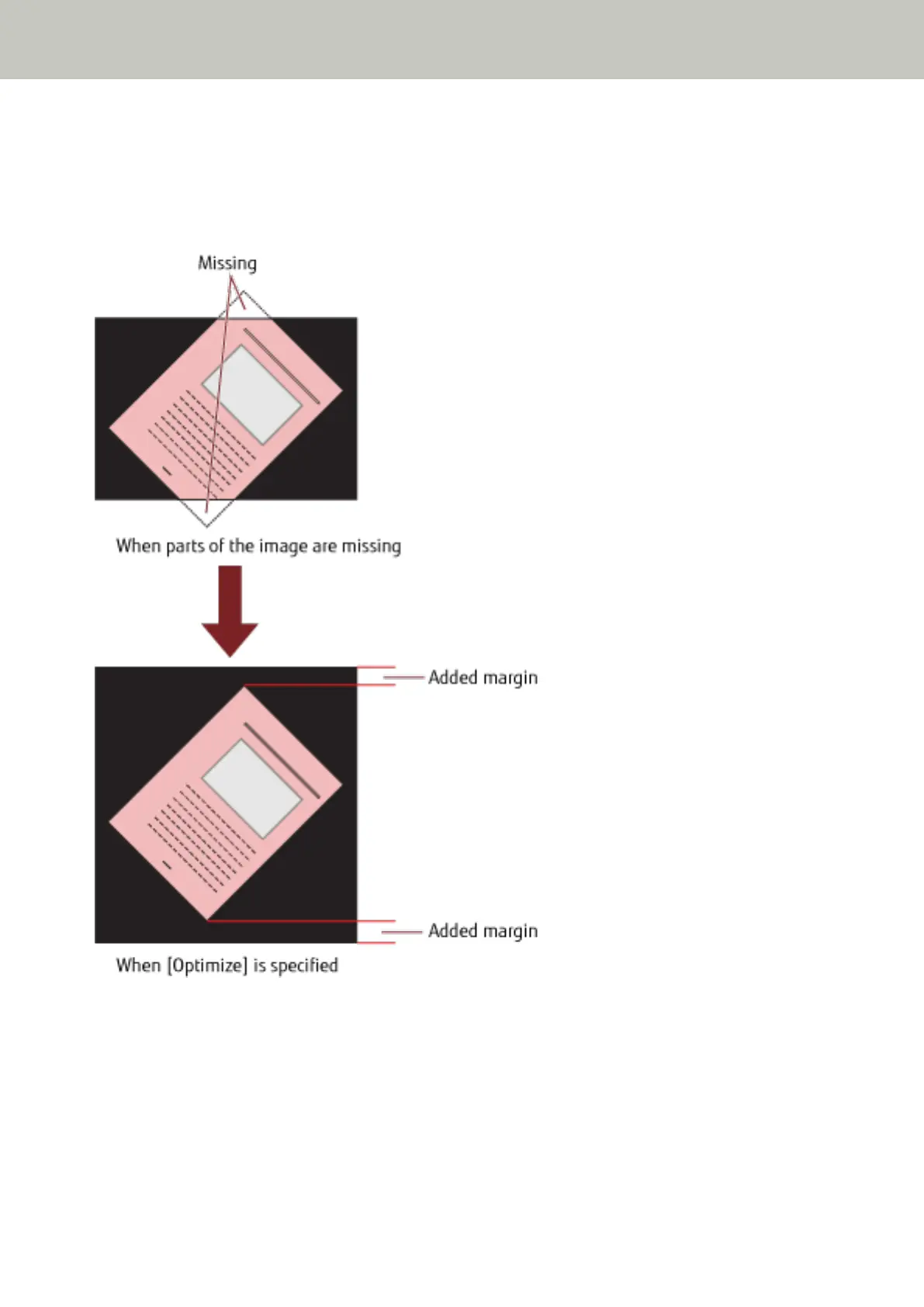
Specify [Optimize] when you use overscan and the image is partially missing due to a large skew.
When an abnormal image skew is detected, you can ensure that the whole image is contained by setting a
sufficient amount of black margin on the top and the bottom. Select [Thick] to increase the amount of black margin.
1 Start up the Software Operation Panel.
Refer to Starting Up the Software Operation Panel (page 193).
Operational Settings
246



 To Next Page