Specifying the Number of Feeding Retries [Number of paper feeding retries]
Configure this setting to change the number of feeding retries upon pick errors.
1 Start up the Software Operation Panel.
Refer to Starting Up the Software Operation Panel (page 193).
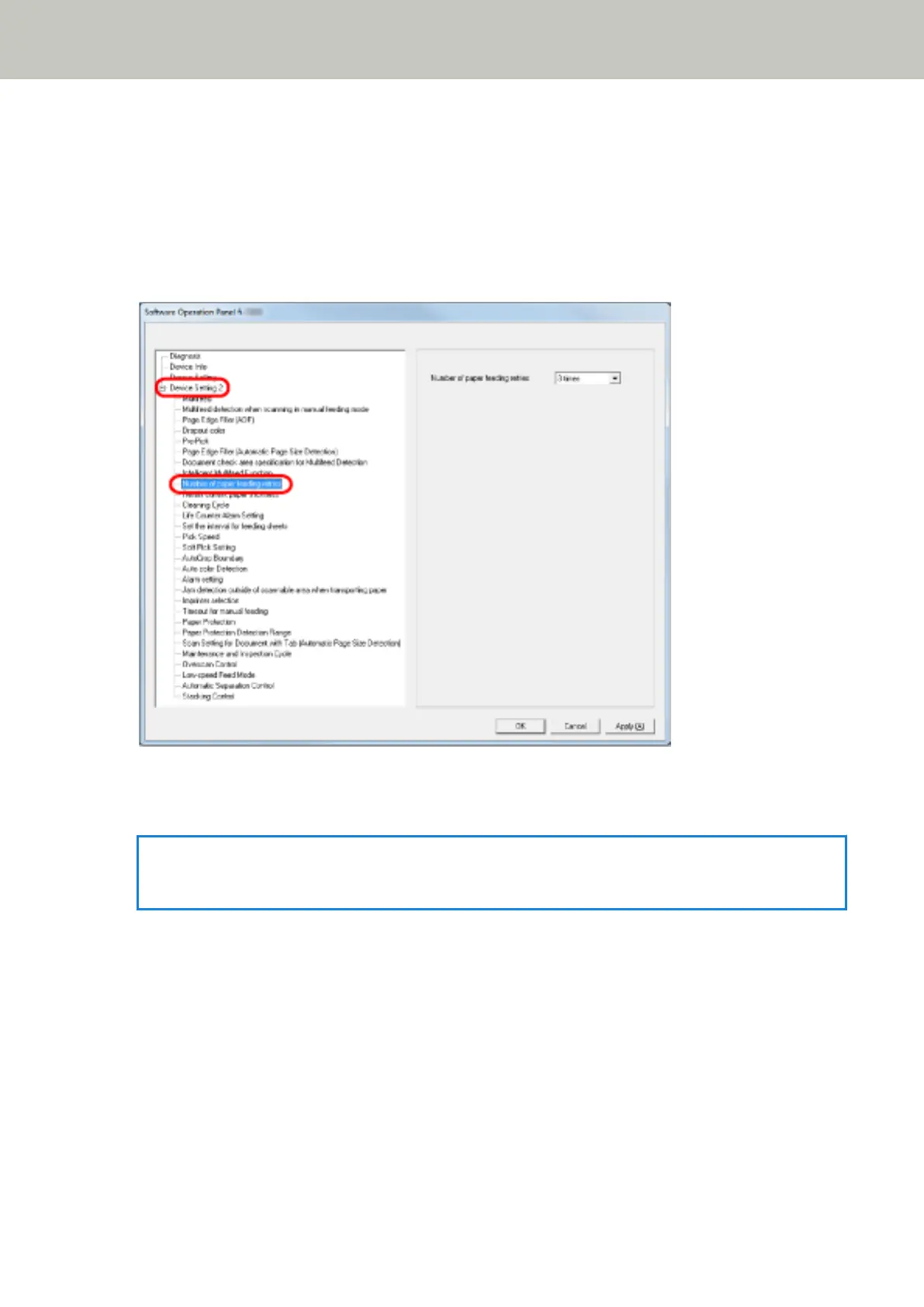
2 From the list on the left, select [Device Setting 2] → [Number of paper feeding retries].
3 Specify the number of paper feeding retries.
The value can range from 1 to 12 times.
HINT
This setting can also be configured from the operator panel.
Operational Settings
232



 To Next Page