Setting for Multifeed Detection in Manual Feeding [Multifeed detection when
scanning in manual feeding mode]
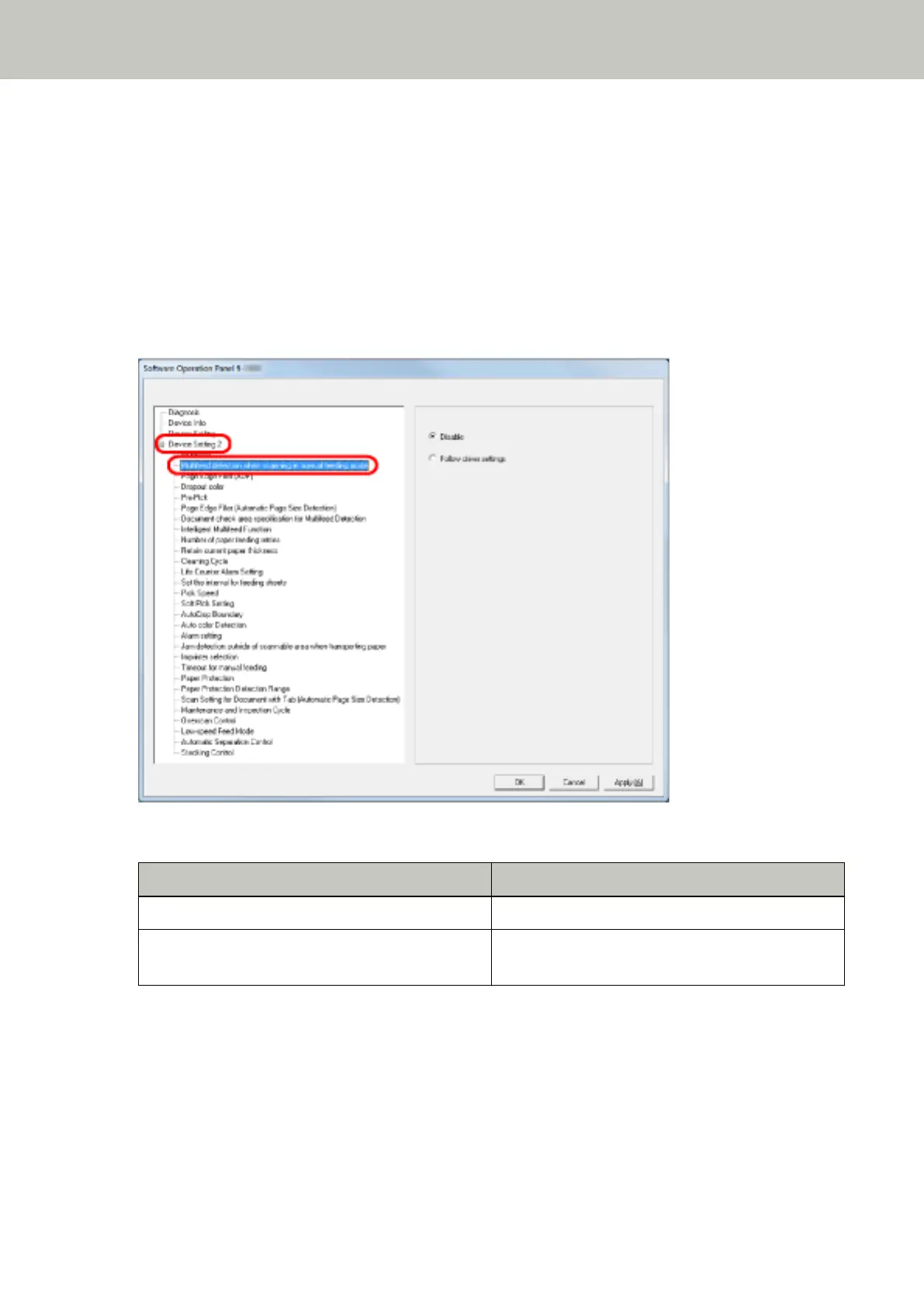
Configure this setting when you want to enable multifeed detection for scanning in Manual Feed mode.
1 Start up the Software Operation Panel.
Refer to Starting Up the Software Operation Panel (page 193).
2 From the listing on the left, select [Device Setting 2] → [Multifeed detection when scanning in manual
feeding mode].
3 Select a detection method.
Detection Description
Disable Does not detect multifeeds.
Follow driver settings Detects multifeeds if multifeed detection is enabled
in the scanner driver settings.
Operational Settings
254



 To Next Page