Replacing the Consumables
This section explains how to replace the consumables for the scanner.
The inside of the ADF becomes very hot when the scanner is being used.
Before you replace the consumables, make sure to turn off the power, unplug the power
cable and wait for at least 15 minutes for the inside of the ADF to cool down.
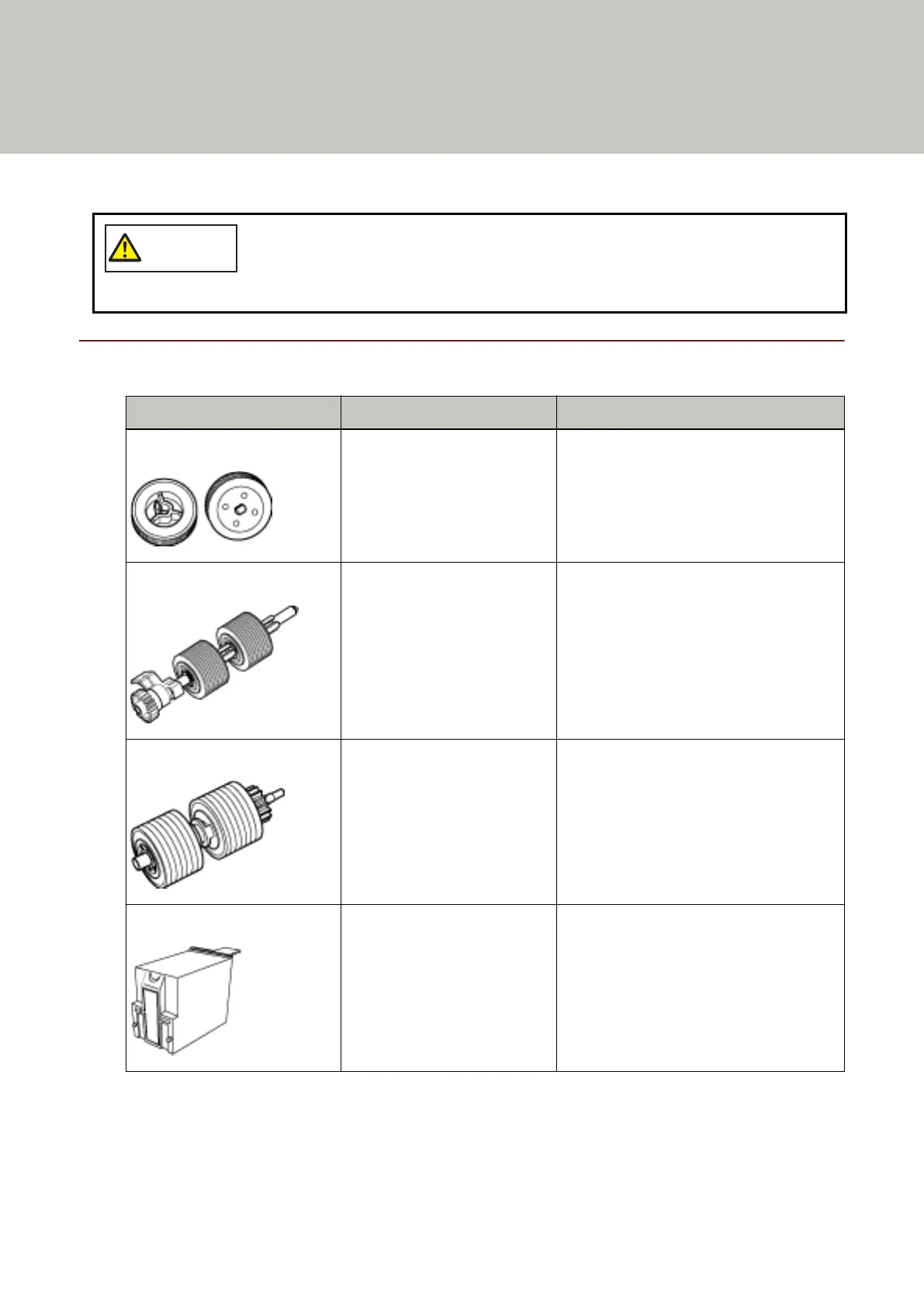
Consumables and Replacement Cycles
Name Part No. Suggested Replacement Cycle
PICK ROLLER PA03575-K011 600,000 sheets or one year
SEPARATOR ROLLER PA03800-K012 600,000 sheets or one year
BRAKE ROLLER PA03575-K013 600,000 sheets or one year
PRINT CARTRIDGE (*1) CA00050-0262 4,000,000 characters or less (this may be
less depending on the font specified)
Consumables need to be replaced periodically. It is recommended that you keep a stock of new consumables
and replace them before it reaches the end of the consumable life. The scanner records the number of sheets
scanned for each consumable (pick roller, separator roller, and brake roller) and the amount of remaining ink
(print cartridge), which allows you to determine when to replace consumables.
137



 To Next Page