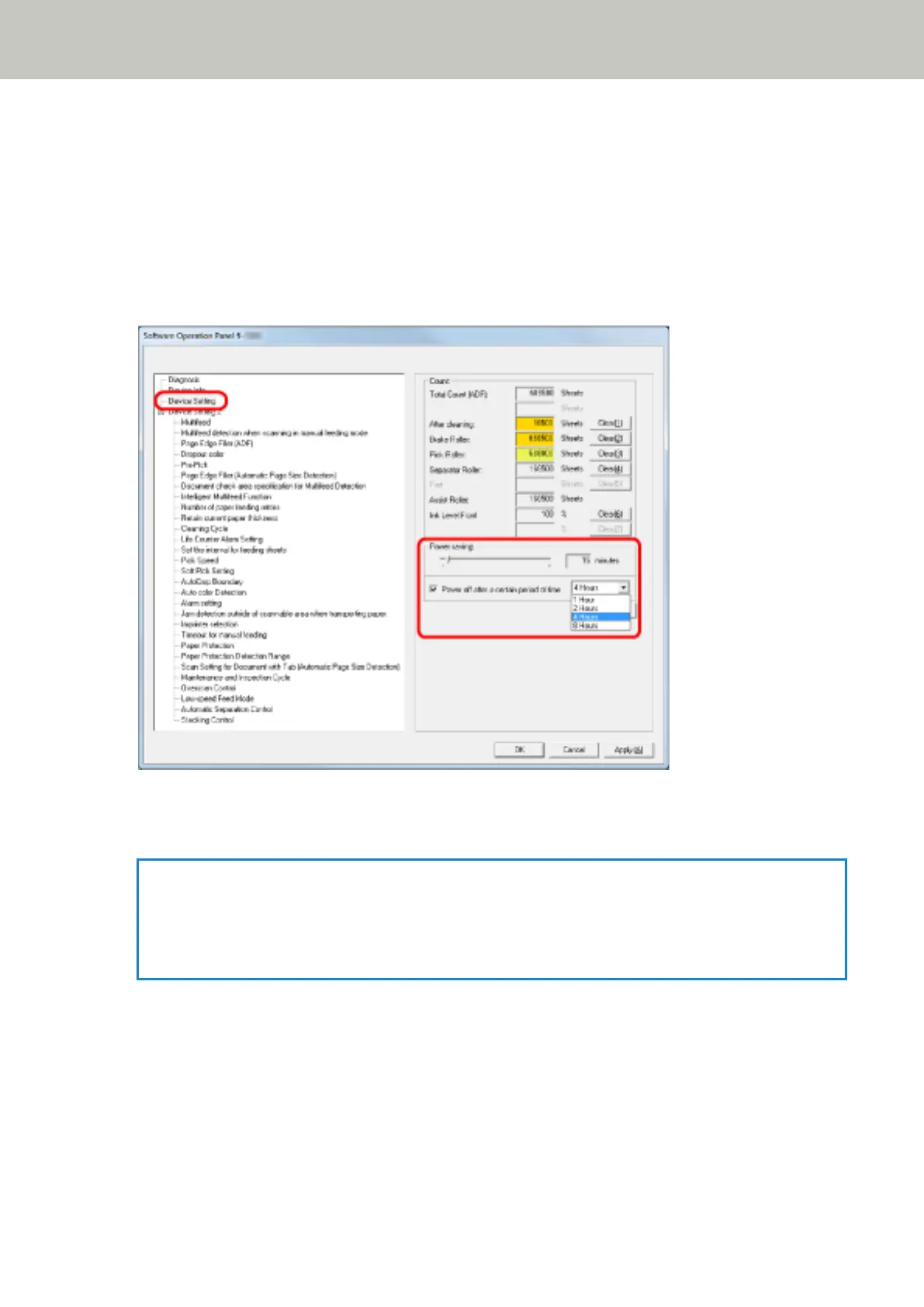
Setting the Waiting Time to Enter Power Saving Mode [Power saving]
When the scanner is not being used for a certain period of time, it enters power saving mode to save the power
consumption.
1 Start up the Software Operation Panel.
Refer to Starting Up the Software Operation Panel (page 193).
2 From the list on the left, select [Device Setting].
3 Use the slide bar to specify the waiting time to enter power saving mode.
The value can range from 5 to 115 minutes (in increments of 5).
HINT
When you select the [Power off after a certain period of time] check box, the scanner will turn itself off
automatically if it is turned on and left unused for the set time.
The time until power-off can be selected from 1/2/4/8 hours.
Operational Settings
264



 To Next Page