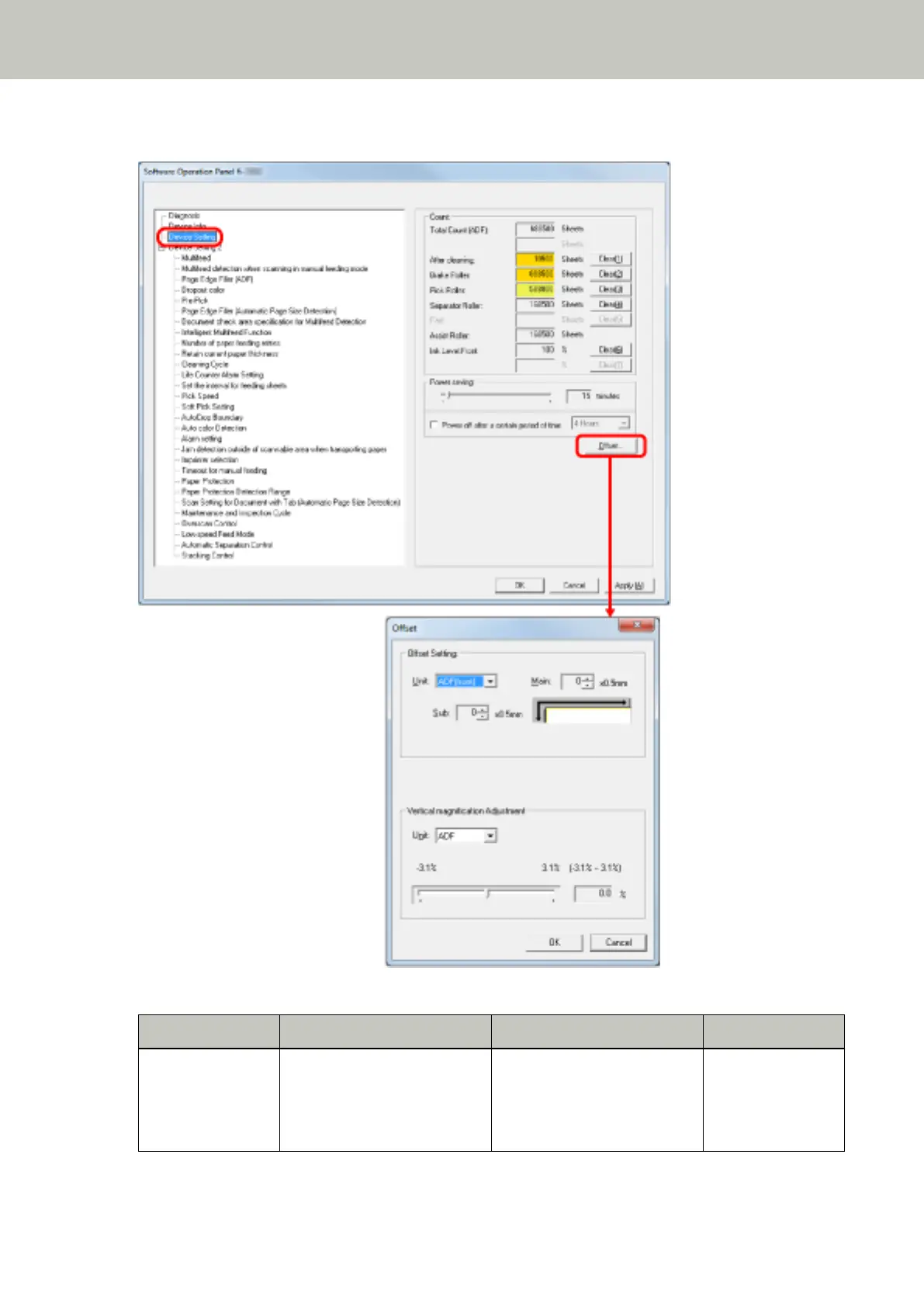
2 From the list on the left, select [Device Setting].
Items that can be configured in the above dialog box are as follows:
Item Description Setting/Value Factory Default
Count Check the replacement cycle of
the consumables and the total
page count of the
maintenance parts.
Total Page Count(ADF) / After
cleaning / Brake Roller / Pick
Roller / Separator Roller / Assist
Roller
0
Operational Settings
206



 To Next Page