6 In the setup window for the scanner driver, configure the scan settings.
For some image scanning applications, the setup window for the scanner driver may not appear.
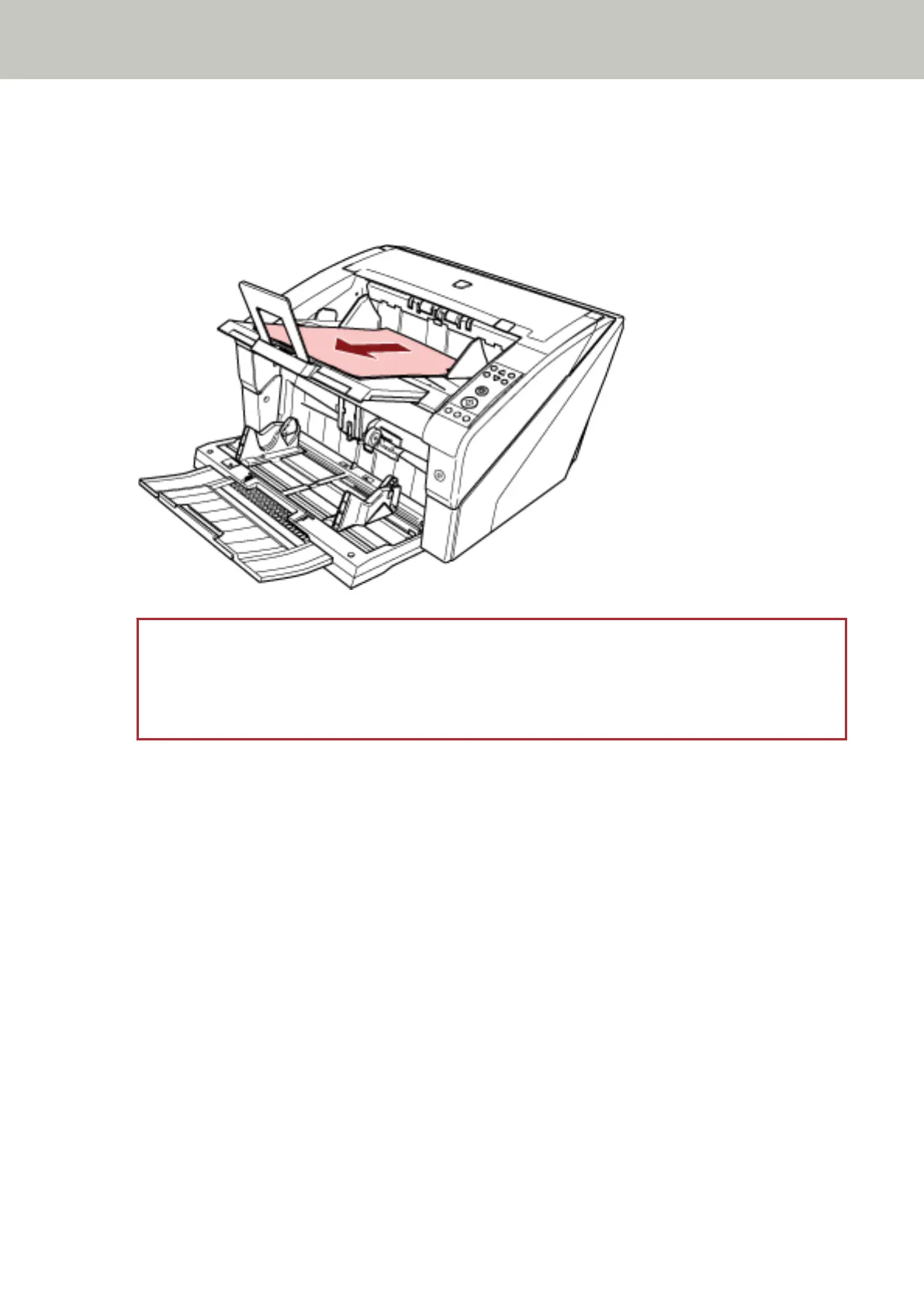
7 Scan documents with the image scanning application.
For details, refer to the manual or help of the image scanning application.
ATTENTION
When the scanner and the computer are communicating, for instance, during scanning, do not perform an
operation that causes disconnection of their communication, such as unplugging the USB cable or logging
off the user account.
Scanner Overview
41



 To Next Page