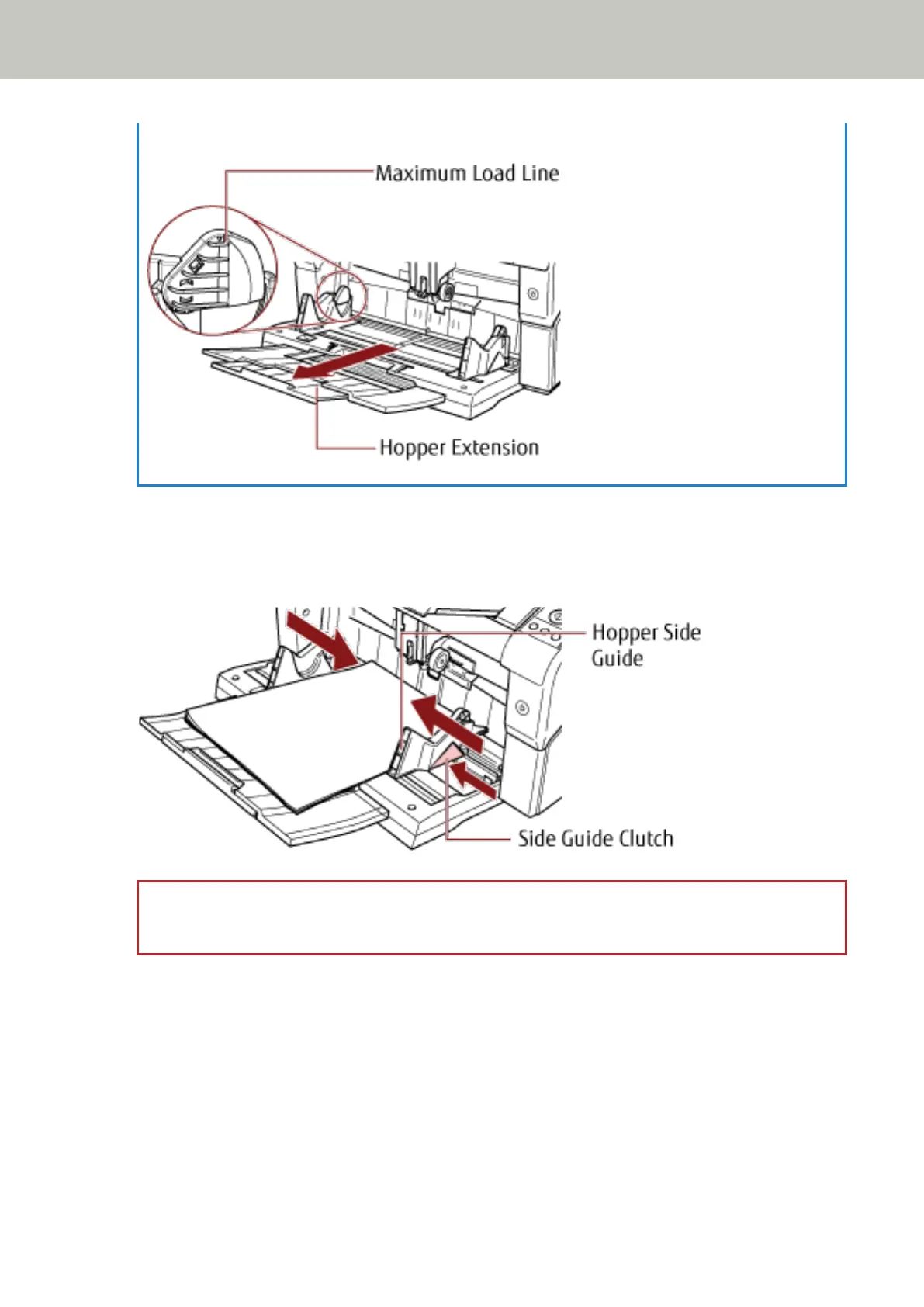
● Pull out the hopper extension according to the length of the document before placing the documents.
2 Adjust the hopper side guides to the document width.
Move the hopper side guides while pressing the side guide clutch so that there is no space left between the
documents and the hopper side guides.
Otherwise, the documents may be scanned skewed.
ATTENTION
Remove all paper clips and staples. Reduce the number of documents if a multifeed or pick error occurs.
How to Load Documents
50



 To Next Page