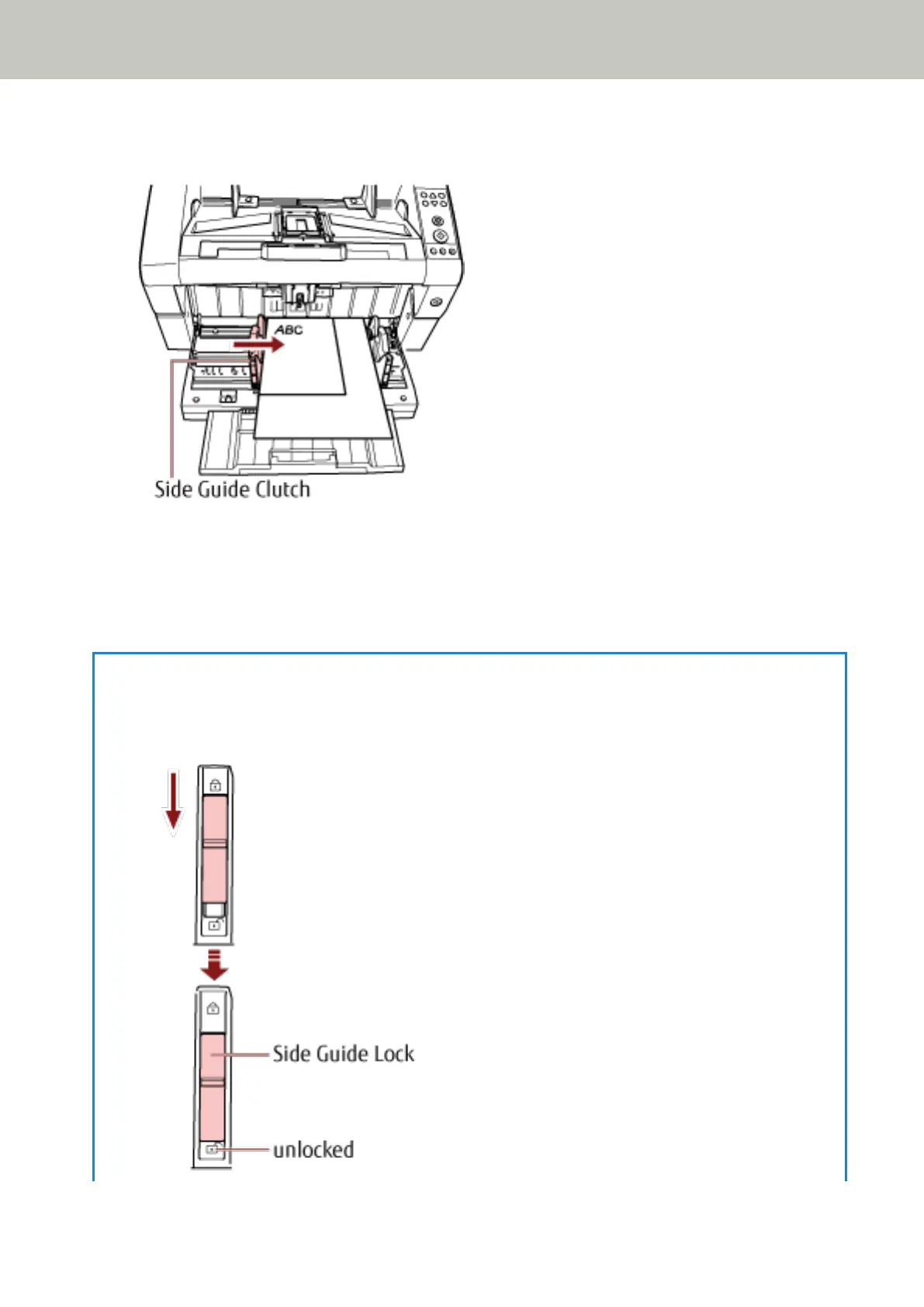
In this case, slide the left hopper side guide as you press the side guide clutch and leave no space between
the hopper side guide and the document.
6 Adjust the stacker extension to the document length, and pull up the paper stop.
For information on how to set the stacker, refer to Setting Up the Stacker (page 33).
7 Scan documents with the image scanning application.
For details, refer to the manual or help of the image scanning application.
HINT
To unlock the hopper side guide, follow the steps below.
1 Slide down the side guide lock of the hopper side guide that is locked.
How to Load Documents
56



 To Next Page