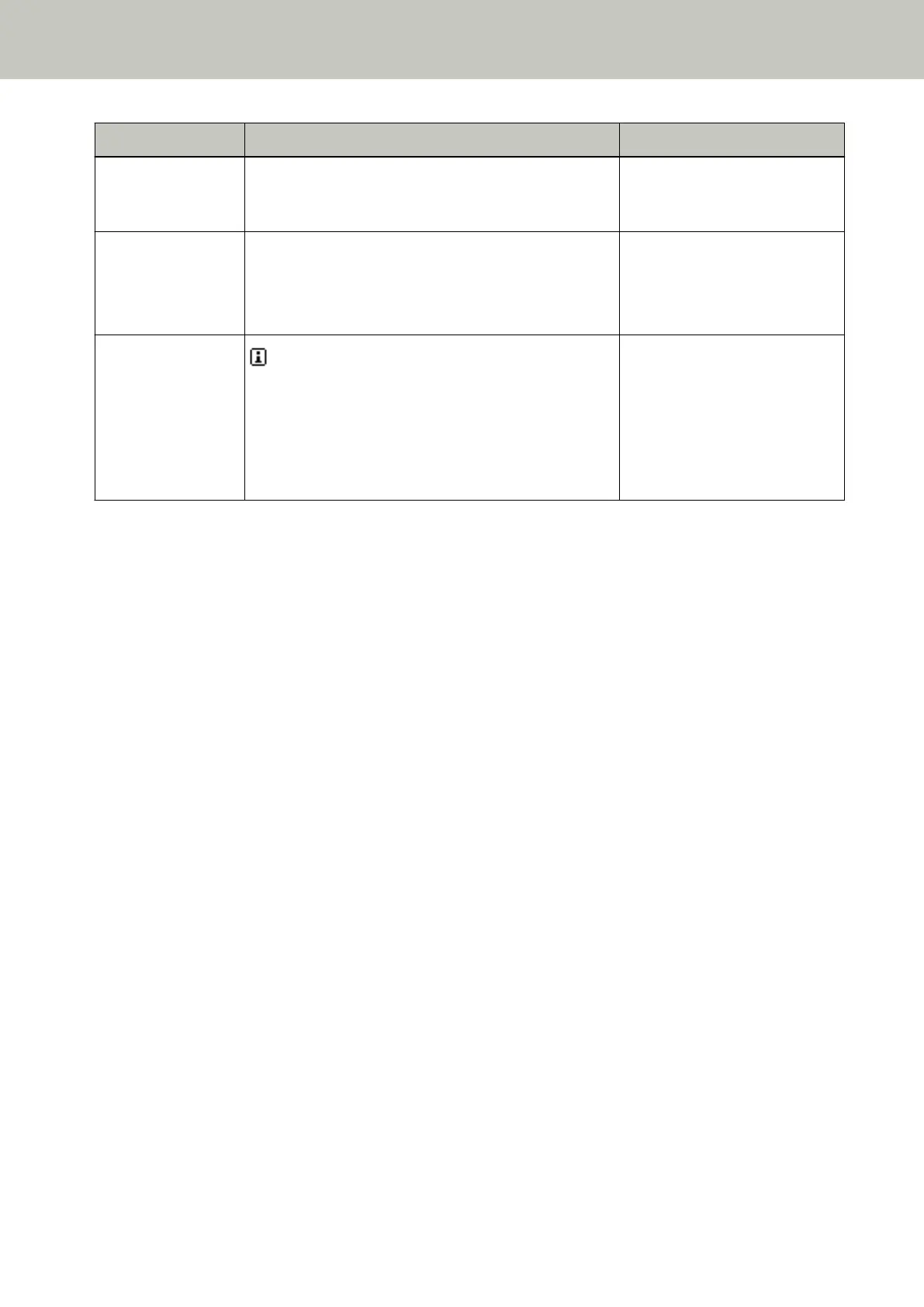
Operation Description Setting Item
For more details, refer to Checking the Sheet Counters
(page 216) and Resetting the Sheet Counters (page
218).
Checking the number
of sheets scanned
Compare the number of sheets scanned in Doc Counting
Mode and Doc Count Check Mode.
For more details, refer to Checking the number of sheets
scanned (page 85).
25: Doc Counting Mode
Checking the
information
appears when a message for replacing consumables/
cleaning/replacing maintenance parts/regular
maintenance is displayed.
Read the message and take measures accordingly.
For more details, refer to Checking the Information
(page 87).
Information
How to Use the Operator Panel
81



 To Next Page