182
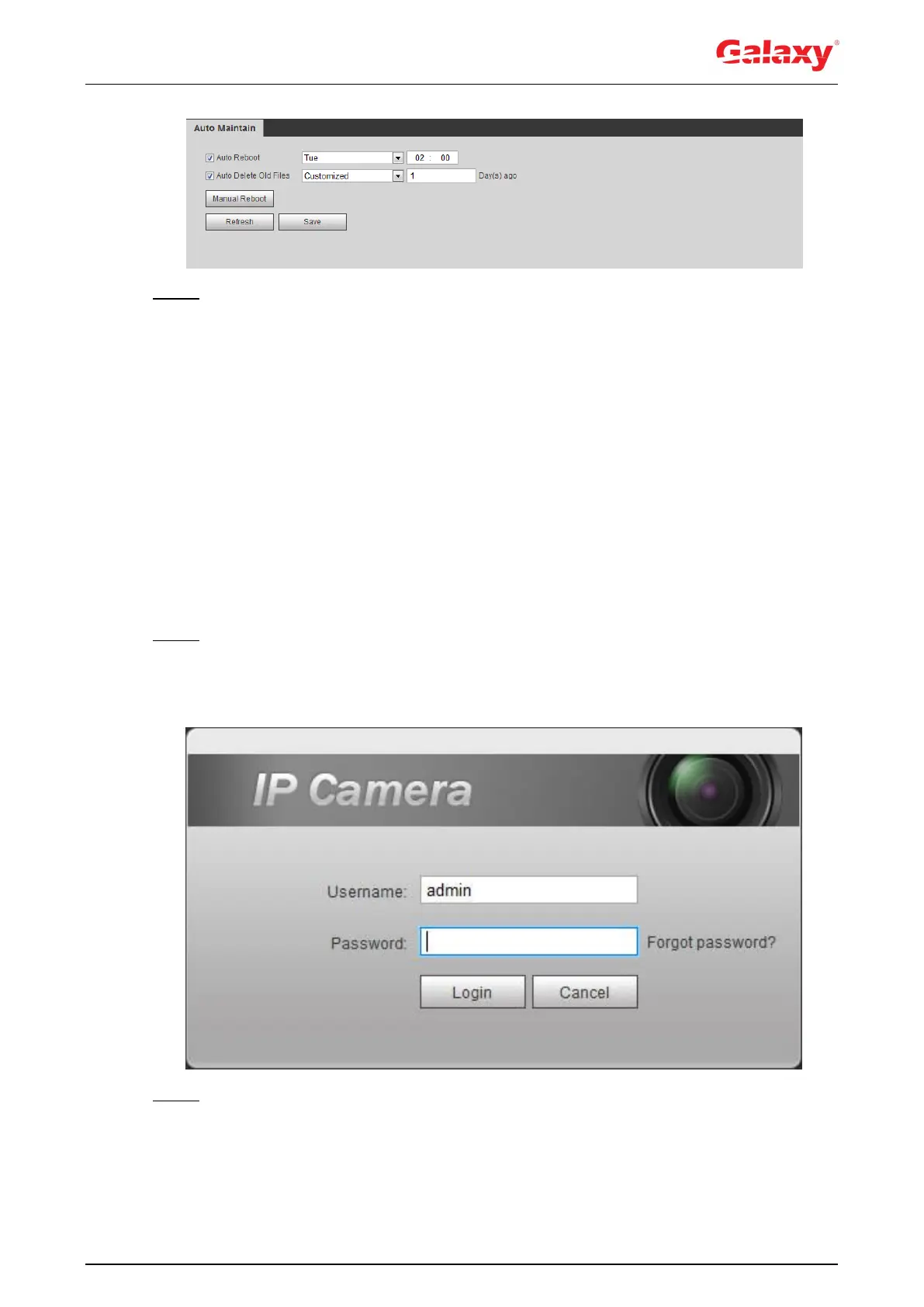
Figure 6-2 Description of auto maintain parameters
Step 3 Click OK.
6.3 Resetting Password
When you need to reset the password for the admin account, there will be a security code sent
to the entered email address which can be used to reset the password.
Preparation
You have enabled password reset service. For details, see "4.8.5.1 System Service."
Procedure
Step 1 Open IE browser, enter the IP address of the device in the address bar and press
Enter.
The login interface is displayed, see Figure 6-3.
Figure 6-3 Login
Step 2 Click Forgot password?
The Prompt dialog box is displayed. See Figure 6-4.


 To Next Page