3-10 Pilot’s Guide 190-02488-01 Rev. B
Navigation
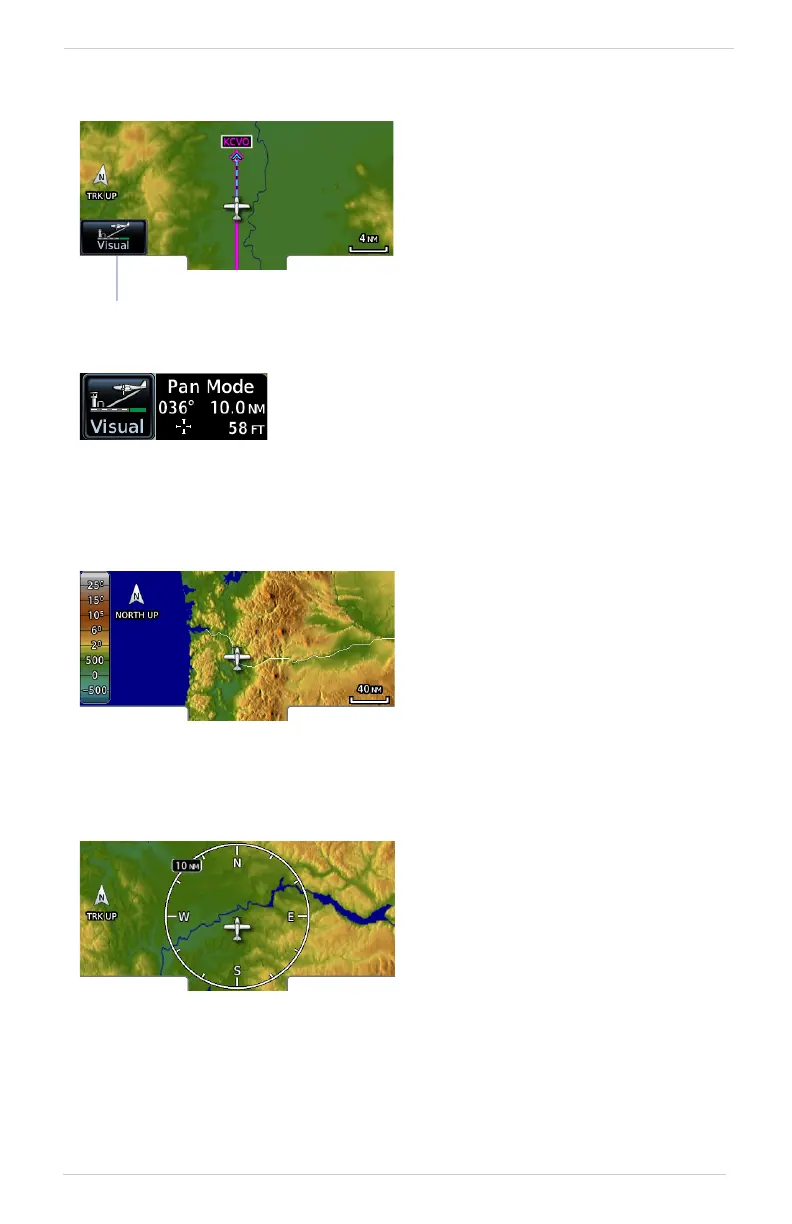
Visual Approach
TOPO Scale
Range Ring
Sets the distance from the
destination airport at which the
Visual Approach selector key
becomes active.
Visual Approach
Key
To reduce page clutter, the key moves to the upper
left corner of the display when the info banner is
active.
Displays a topographical elevation
scale. To remove the scale:
• Toggle TOPO Scale off
OR
• Tap Restore User Fields
Provides a more precise indication
of distance between the aircraft
and map objects.



 To Next Page