2-50 Pilot’s Guide 190-02488-01 Rev. B
Get Started
Clocks & Timers
Timers
Clock
If a 12 hour or 24 hour clock is selected:
Tap Local Offset > Specify the appropriate offset value from UTC.
Monitor time in flight using three available timer types.
Timer settings are accessible via the Utilities menu
page. Toggle between timer types using the
provided display key.
Utilities
Clock/Timers
Home
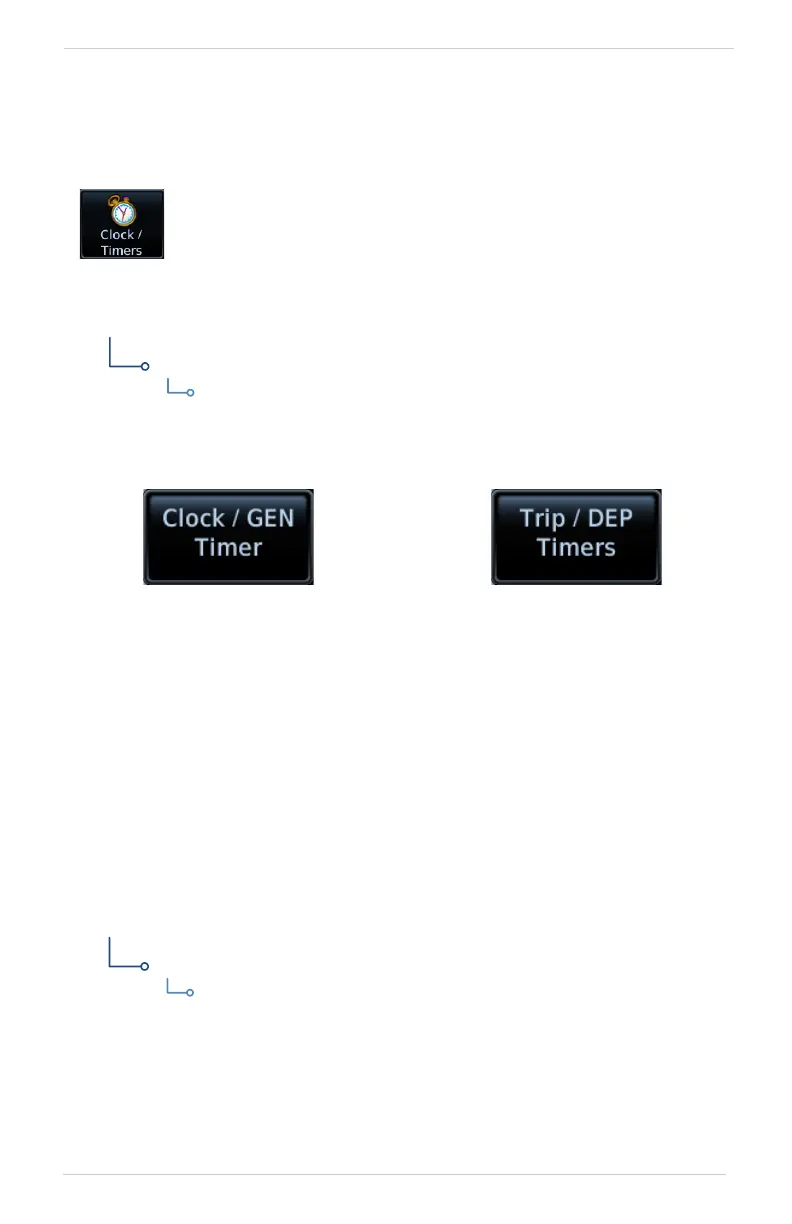
Clock/Generic Timer Trip/Departure Timers
Stopwatch style counter.
Count up or count down.
Specify countdown time
using the preset function.
Measure elapsed airborne time
since the last ground-to-air
transition. Set timer to start at
unit power up or once the
aircraft is in air.
Controls:
• Criteria (Power On, In Air)
• Reset Timer
Controls:
• Direction (Up, Down)
• Start • Stop • Timer Preset
Specify the time format and local offset. Settings
reside in System Setup.
Format options include 12 hour, 24 hour, and UTC.



 To Next Page