2-6 Pilot’s Guide 190-02488-01 Rev. B
Get Started
Manual Updates
FEATURE LIMITATIONS
The Database Updates page is available only when:
• The aircraft is on ground
• The start-up page is active (i.e., during power up)
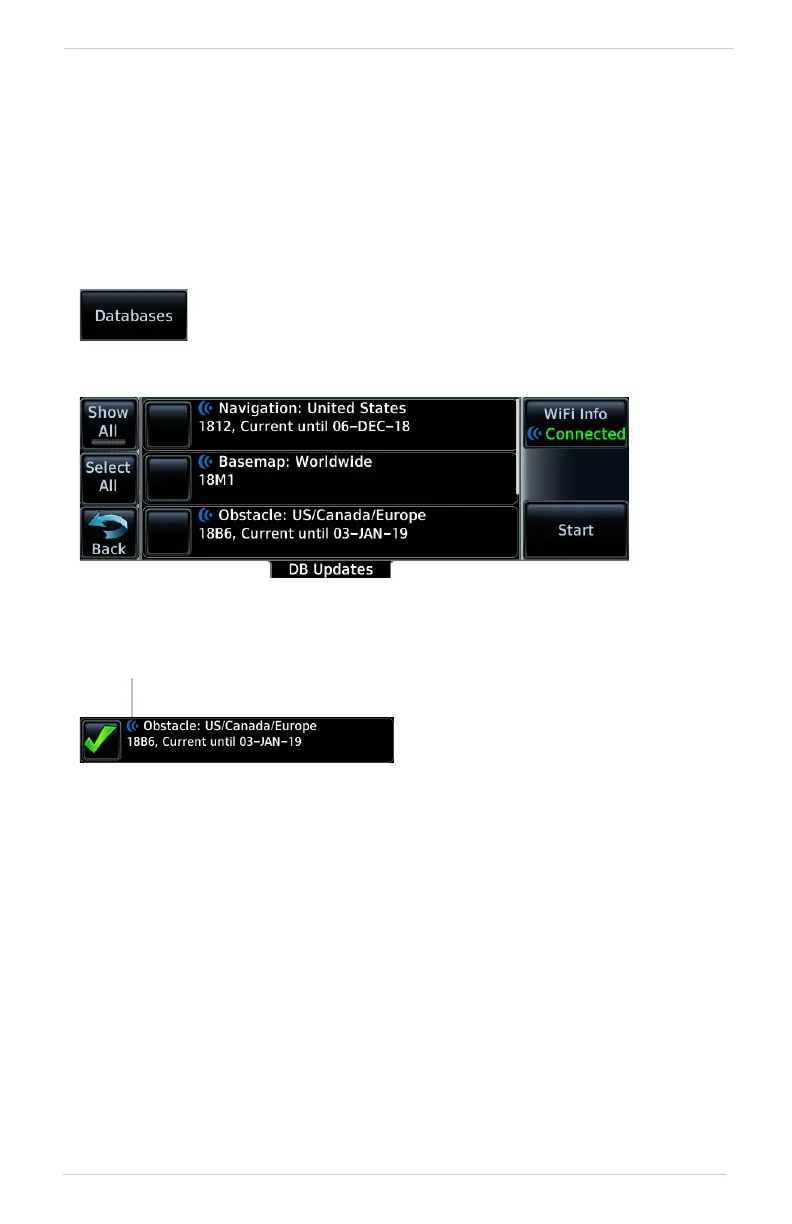
Database Updates Page
DATABASE SOURCE INDICATION
No indication means the database is either from an SD card or the unit’s internal
standby queue.
This page presents a list of all available databases.
To open, tap the Databases key on the start-up page.
Connext Icon
A Connext icon indicates when a
database is from Garmin Pilot via
wireless transfer.



 To Next Page