190-02488-01 Rev. B Pilot’s Guide 2-13
Get Started
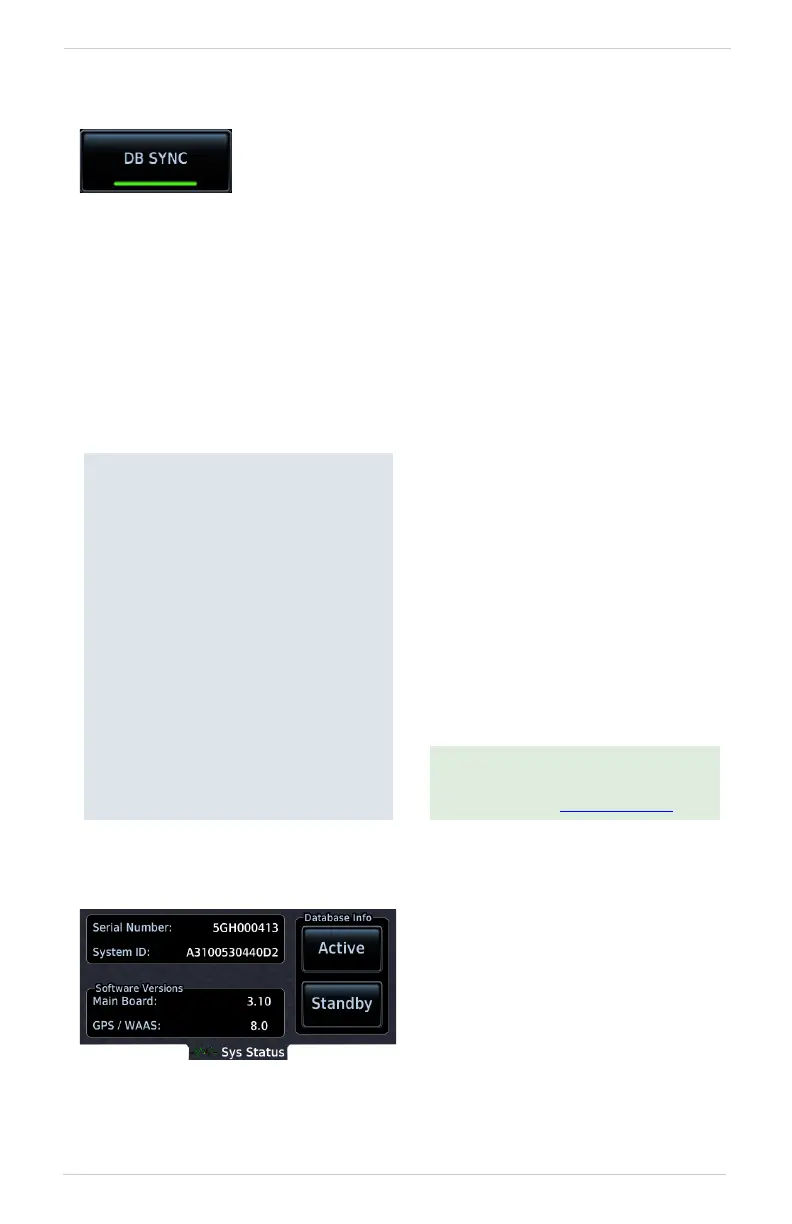
Database SYNC
FEATURE LIMITATIONS
• Not applicable to Terrain database
• Database SYNC does not support Chart Streaming.
To toggle the feature on and off:
Home > System > System Status > Menu > DB SYNC
ACTIVE AND STANDBY DATABASES
To view active or standby databases:
Home > System > System Status > select Active or Standby
Database SYNC minimizes database maintenance by
synchronizing active and standby databases across all
configured LRUs. Once a standby database becomes
effective, each LRU automatically generates an update
prompt.
Database SYNC Compatibility
The Database SYNC function enables
automatic database synchronization
across all capable Garmin avionics:
• GPS 175
• GI 275
• GNC 355
• GNX 375
• GDU TXi running software
version 3.10 and later
(GDU 700( ), GDU 1060)
[1]
[1] Receive only. Airport directory and chart
databases are not transmitted from
GPS 175, GNX 375, or GNC 355.
For information regarding database
packages, and individual database
purchases, visit flyGarmin.com
.
Database SYNC transfer function
includes active and standby
databases.
The function prompts a unit restart if
a new database is effective and the
aircraft is on ground.



 To Next Page