190-02488-01 Rev. B Pilot’s Guide 2-37
Get Started
XPDR Setup
Displaying Data
XPDRMenu
DataField
PRESSALT
FLTID
FlightID
SpecifyflightID
(ifconfigurable)
ADS‐BOut
Tap Menu to access the transponder setup
options. From here you can:
• Change the display of data
• Enable 1090 ES ADS-B Out
functionality (if configured)
• Assign a unique flight ID
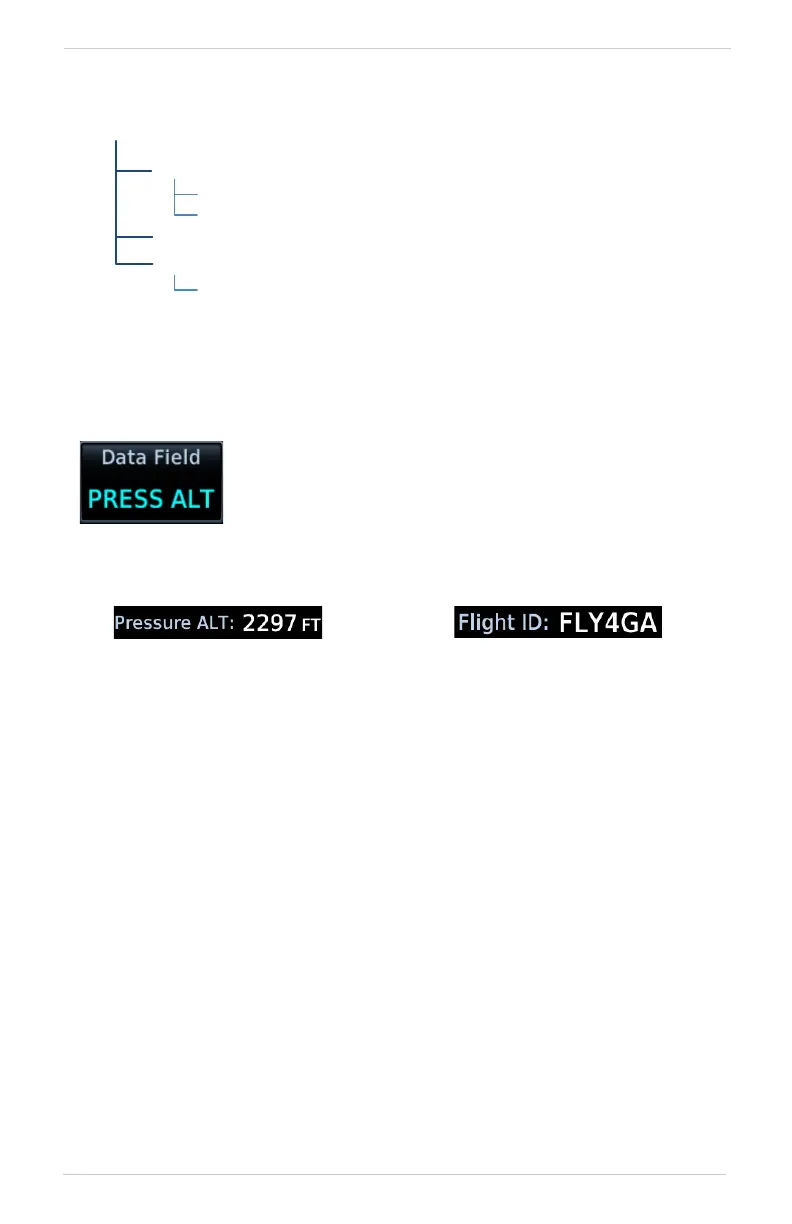
Toggles the data field between pressure altitude and
flight ID.
Pressure Altitude Flight ID
Displays the current pressure
altitude.
Displays the active Flight ID.
Unless configured, the
Flight ID is not editable.



 To Next Page