190-02488-01 Rev. B Pilot’s Guide 2-19
Get Started
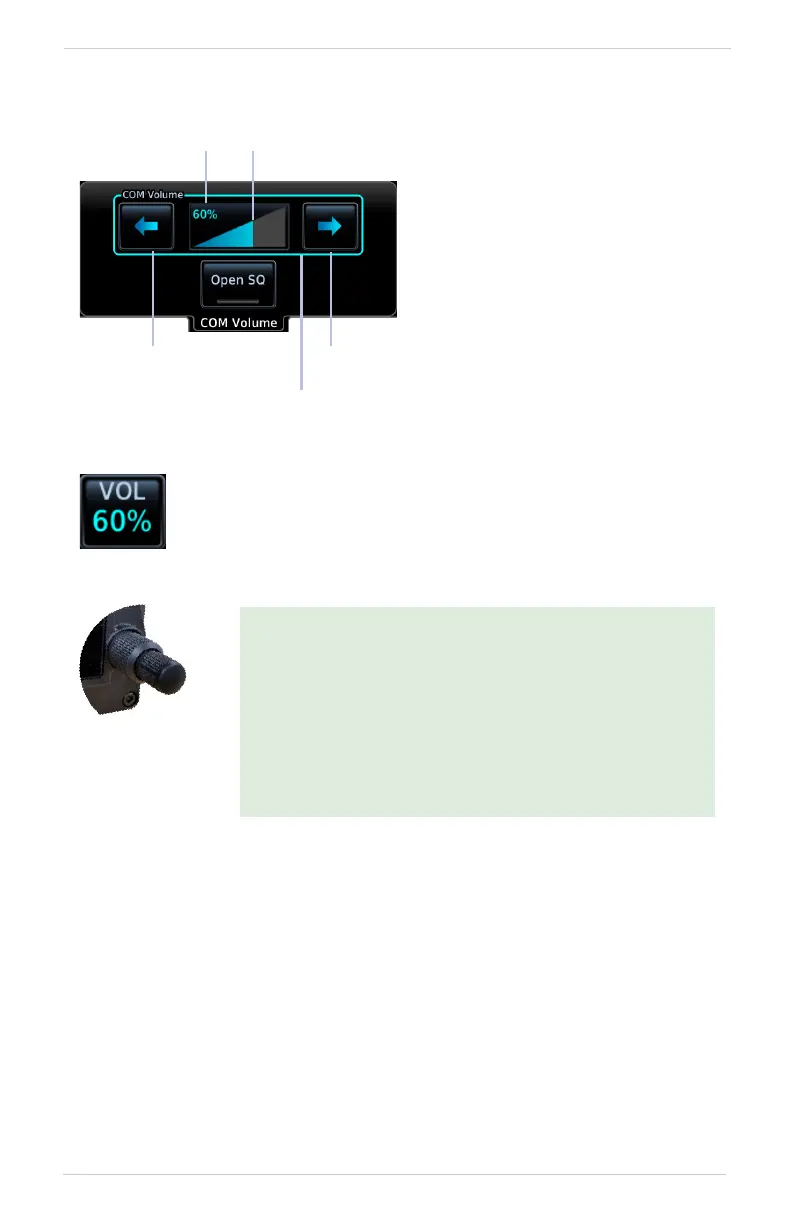
COM Volume Controls
Adjust radio volume according to
your preference. Directional keys
allow volume adjustments.
A cyan border indicates current
knob focus.
The unit retains volume settings
over power cycles.
Decrease
Volume
Increase
Volume
Percent of
Max Volume
Relative Volume
Indicator
Knob Control
Indicator
Access volume controls by tapping the VOL indicator key on the
COM Standby control panel, or using the control knob as
described below.
For convenience, COM volume functions are accessible
from most pages via inner knob push.
• Pushing once opens the COM Volume controls menu.
• Pushing twice sets the knob focus to the volume
slider. Turn the inner and outer knobs to adjust the
volume percentage.
• Pushing again closes the menu and returns to the
previous view.



 To Next Page