1-8 Pilot’s Guide 190-02488-01 Rev. B
System at a Glance
Keys
COMMON COMMANDS
FUNCTION KEYS
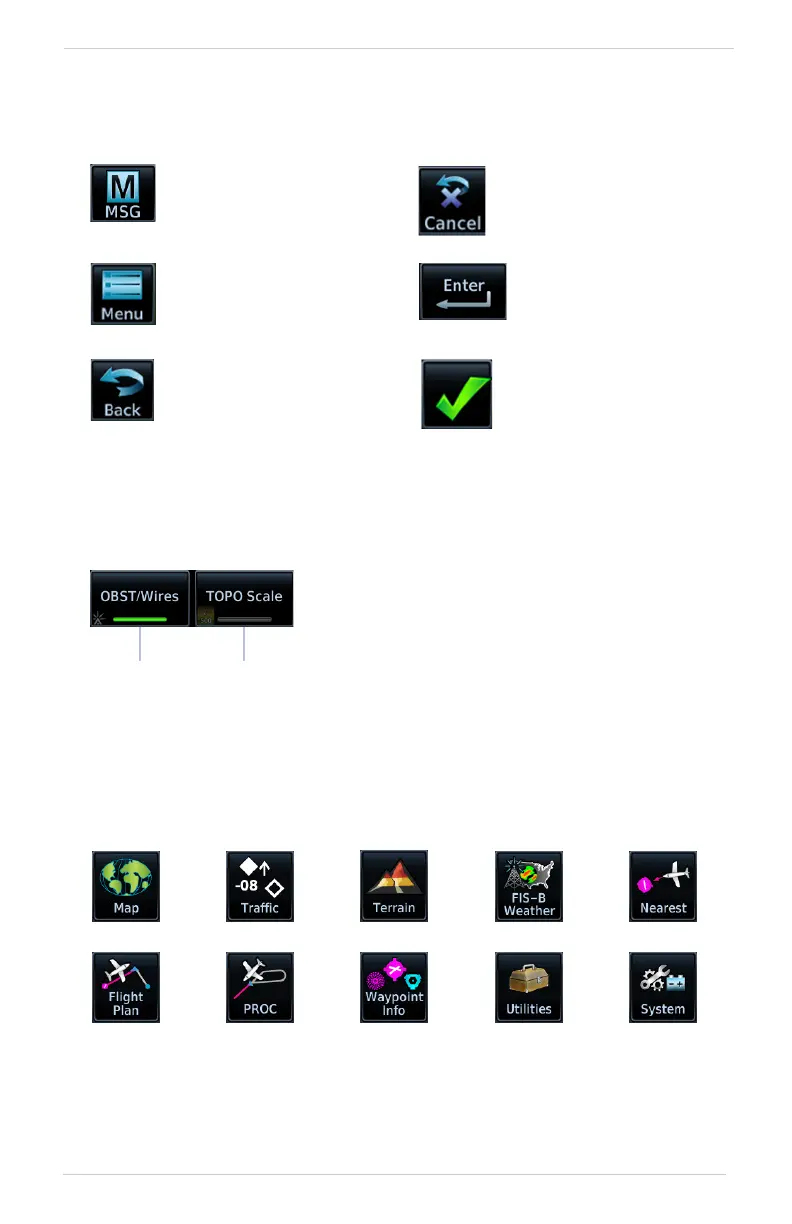
APP ICONS
Tapping one of these icons opens the corresponding application. Some apps provide
additional icons for accessing functions on subpages (e.g., Utilities, System).
Open the system messages
list. A flashing icon indicates
unread messages.
Cancel an active function
without inputting data.
Open a context menu. Input a specified value.
Return to the previous
page.
Select the corresponding
item (e.g., database
update). A checkmark
confirms selection.
Toggle keys turn a specific function on or off.
The current state of the function is indicated
below the key label.
On
Off



 To Next Page