190-02488-01 Rev. B Pilot’s Guide 2-29
Get Started
Monitor Mode
Frequency Autofill &
Transfer
If you initiate a transfer before
completing frequency entry, the
direct tuning field autofills the
remaining characters, enters the
frequency into the standby field,
and then swaps it with the active
frequency.
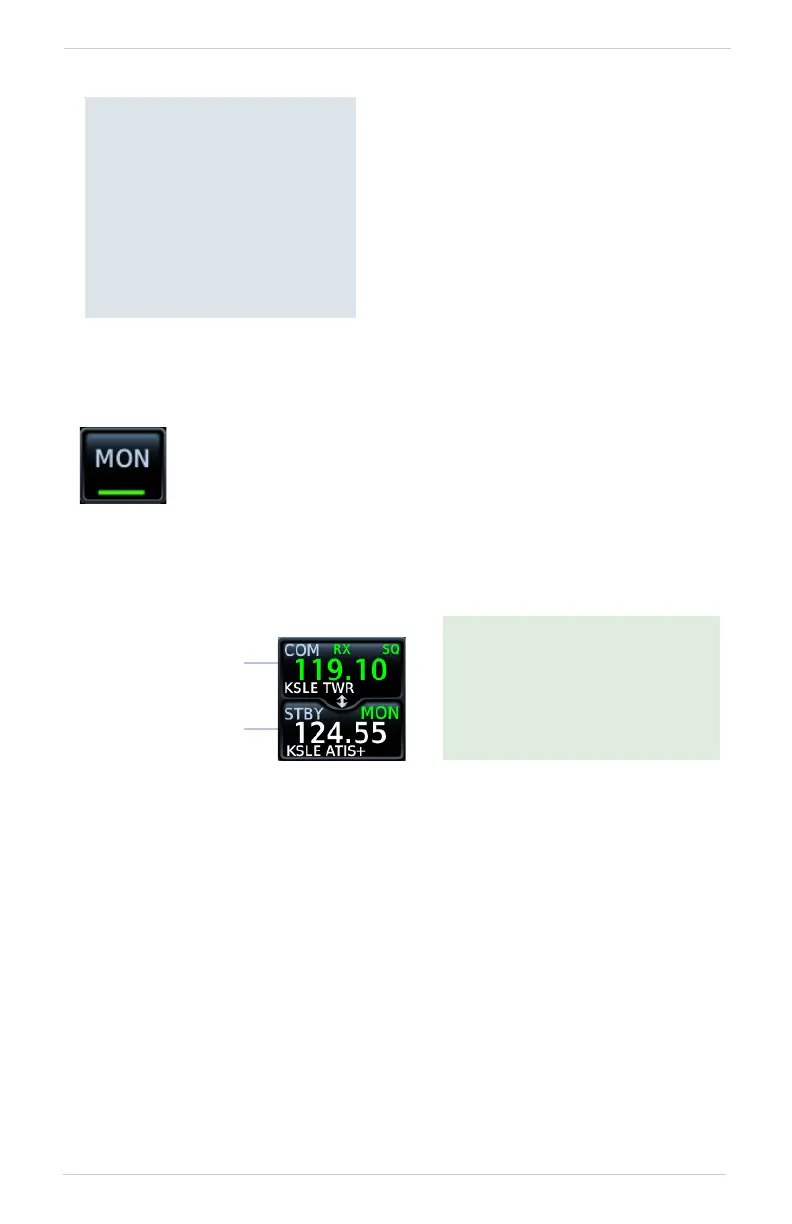
Enabling monitor mode allows you to listen to the standby
frequency while the unit continues monitoring the active COM
channel.
When the COM active frequency receives a signal, the unit
automatically switches back to the active frequency. Once activity
on the COM active channel ceases, the unit returns to listening to
the standby frequency.
Monitor mode is useful when
you want to listen to a recorded
broadcast (e.g., ATIS) on the
standby channel, but still receive
control tower transmissions on
the active channel.
ATIS Broadcast
(Standby Frequency)
Tower Transmission
(Active Frequency)



 To Next Page