2-2 Pilot’s Guide 190-02488-01 Rev. B
Get Started
Power Up
The unit receives power directly from the aircraft’s electrical system. Upon power-up,
the bezel key backlight momentarily illuminates. System failure annunciations
typically disappear within the first 30 seconds after power-up.
The start-up screen presents the unit software versions, the name and status of all
installed databases, and the Database Updates page access key. These features are
available only at power up.
Tapping Continue advances to the Instrument Test page.
Instrument Test
To ensure safe operation, continuous built-in test features exercise the unit’s
processor, memory, external inputs, and outputs. The Instrument Test page displays
the results of all external equipment checks performed by the unit.
Power Off
Never attempt to power off the unit while airborne unless operational
procedures dictate.
If an instrument remains flagged after one minute, check the status of the
associated LRU, then contact a Garmin dealer for support.
Review this list to ensure that all
CDI outputs and other displayed
data are correct for the
connected equipment.
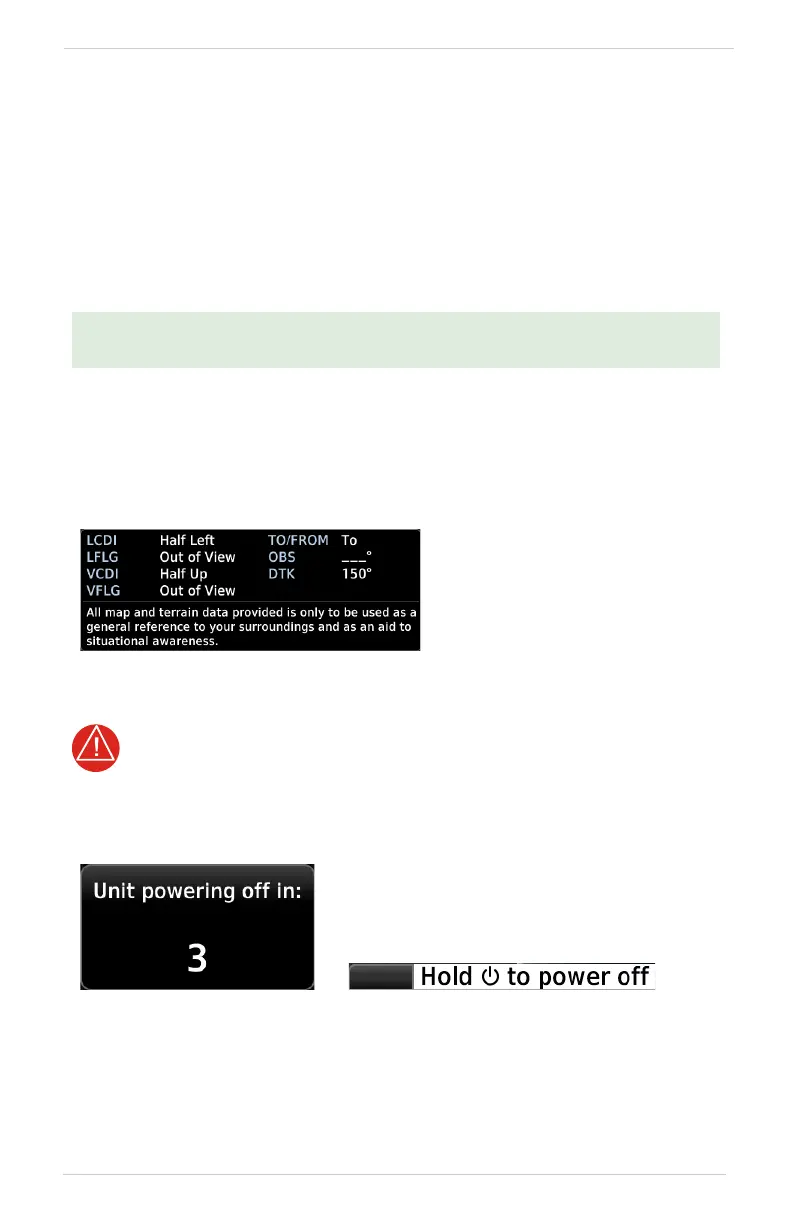
Pushing and holding the Power key for
0.5 seconds initiates the power off sequence.
Shutdown occurs once the timer reaches zero.
Power off annunciation temporarily replaces
the knob function indicator.



 To Next Page