Navigation
190-02488-01 Rev. B Pilot’s Guide 3-45
Direct To Activation
Activating a direct-to course establishes a point-to-point
line from the aircraft’s present position to the selected
destination. The unit provides course guidance until you
remove the direct-to waypoint, or replace it with a new
direct-to course or flight plan.
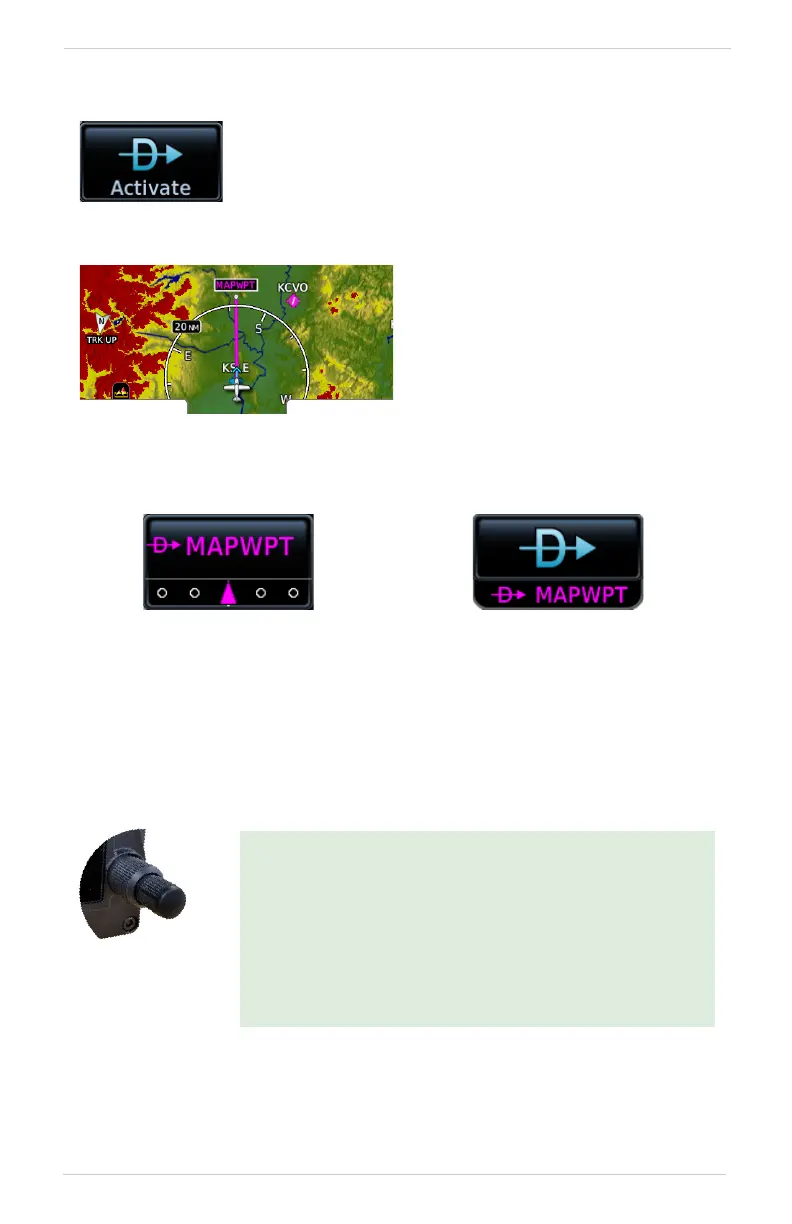
Upon activation, Map
automatically opens to show a
graphical representation of the
active direct-to leg.
GPS 175 & GNX 375 GNC 355/355A
GPS NAV Status key changes
to show active leg status.
Direct To key changes to show
the active direct-to fix. Indication
includes the corresponding fix
symbol and waypoint identifier.
If configured, a user field shows
the active waypoint identifier
and fix type on Map.
GPS 175/GNX 375:
For convenience, you may activate a direct to course using
the control knob. This option is available only when the
Home page is active.
Push the knob once to access the Direct To function.
After selecting a waypoint, push the knob again to
activate the direct-to course.
The window closes and Map opens to show the active leg.



 To Next Page