3-14 Pilot’s Guide 190-02488-01 Rev. B
Navigation
Map Interactions
Basic Interactions
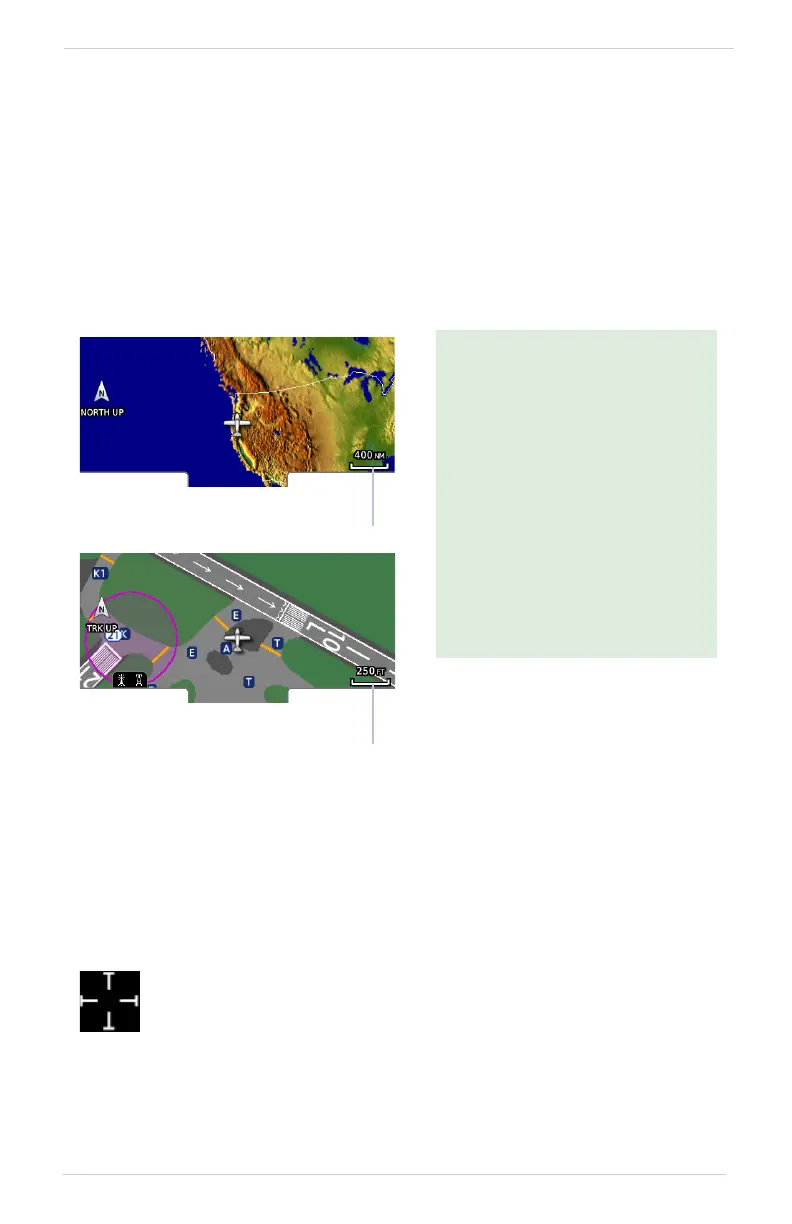
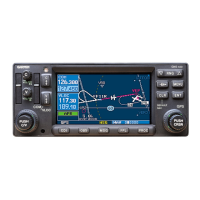
Typical map interactions include zoom, pan, and object selection.
PAN & ZOOM
Panning allows movement of the map in any direction without change to the current
zoom setting. Zooming adjusts the current magnification level between pre-defined
range parameters.
OBJECT SELECTION
Tapping any object or location on the map displays a map pointer and an information
banner.
MAP POINTER
Before flight, consider which
map scales are best for achieving
the desired level of detail and
map information.
Generally, use smaller map
scales in and around terminal
areas and whenever precise
navigation is required (e.g.,
airway or radial intercepts).
During cruise flight, increase the
map scale to better balance
navigation, situational
awareness, and decision
making.
Minimum Scale
Value
Maximum Scale
Value
This symbol indicates point of contact on the map. A gray circle
highlights any selected waypoint or obstacle.


 To Next Page