3-48 Pilot’s Guide 190-02488-01 Rev. B
Navigation
User Holds
You may define a holding pattern for any direct to waypoint. User holds suspend
automatic waypoint sequencing until they expire or are removed.
CREATE & ACTIVATE A HOLD
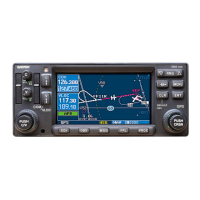
Load Hold
Accept the specified hold parameters and return to the
Direct To window.
Hold Activate
Activate the loaded holding pattern.
Course
Specify the course angle.
Direction
Select between Inbound or Outbound.
Turn
Select between Left Turn or Right Turn.
Leg Type
Select Time or Distance.
Leg Time
Specify the leg time in minutes and seconds (MM:SS).
Leg Distance
Specify the leg distance.
EFC
Specify a time for the Expect Further Clearance reminder.
Preview
View the defined holding pattern as it will appear on Map
and on the Active FPL page.
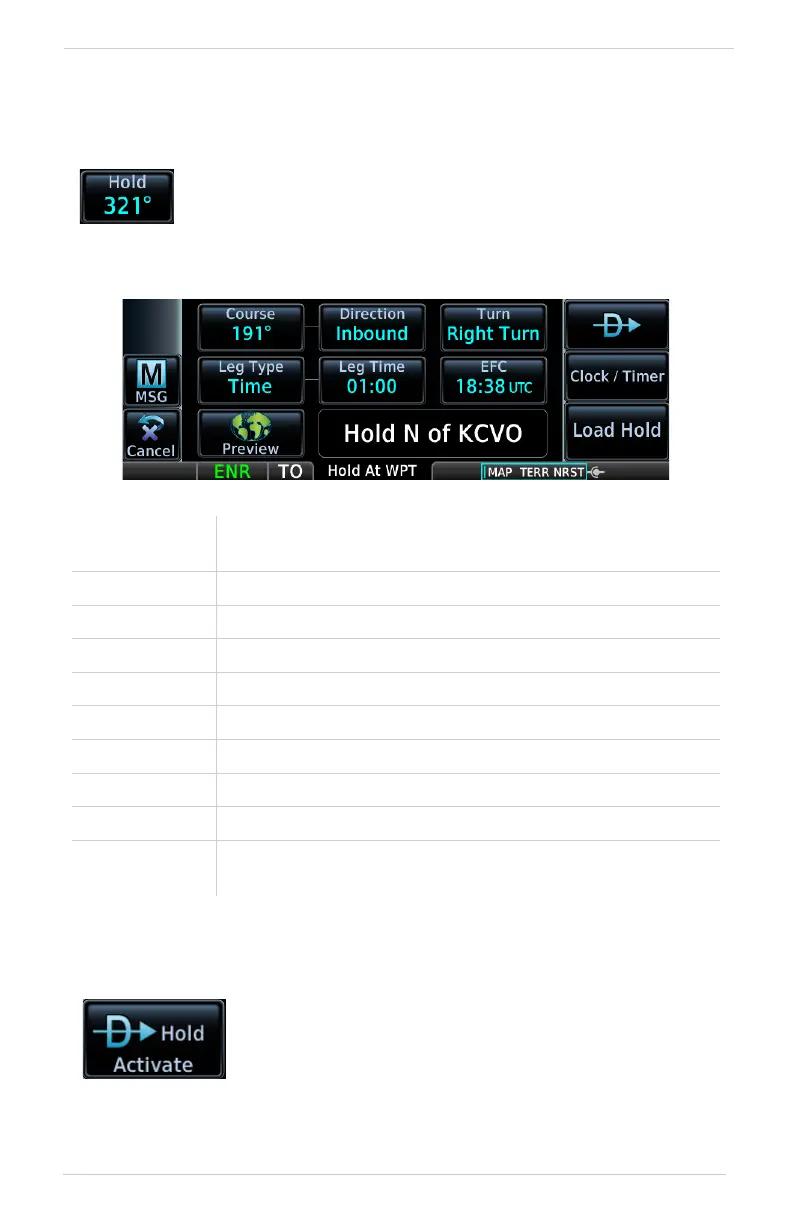
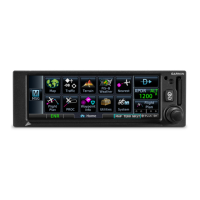
Tapping Hold displays available hold options.
GPS 175 shown as typical.
Create a hold for a direct-to waypoint. From the
Waypoint tab:
1. Tap Hold.
2. Specify hold parameters.
3. Tap Load Hold > Hold Activate.


 To Next Page