190-02488-01 Rev. B Pilot’s Guide 1-11
System at a Glance
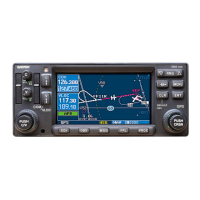
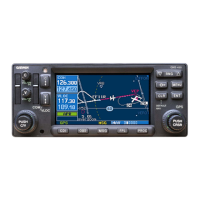
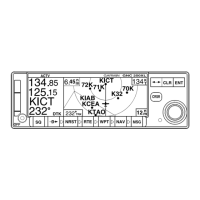
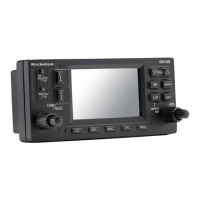
Control Knobs
Knob Functions
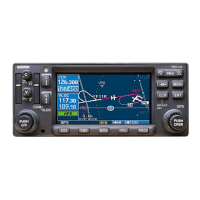
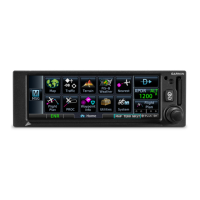
GPS 175 & GNX 375
Outer Knob
• Selecting a page shortcut
• Cursor placement and initial field/page selections
• Moving cursor forward or backward within data field
Inner Knob
(Turn)
• Zooming, scrolling lists, and inputting data
• Modifying individual characters in data entry field
Inner Knob
(Push)
• Entering current or specified numerical value
• Toggling Map user fields on or off
• Accessing the Direct To function from the Home page
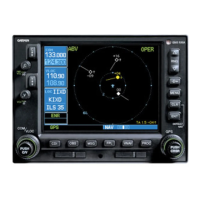
GNC 355/355A
Outer Knob
• Selecting a page shortcut
• Cursor placement and initial field/page selections
• Moving cursor forward or backward within data field
• Tuning major frequency digits
• Adjusting COM radio volume (coarse)
Inner Knob
(Turn)
• Zooming, scrolling lists, and inputting data
• Modifying individual characters in data entry field
• Tuning minor frequency digits
• Adjusting COM radio volume (fine)
Inner Knob
(Push)
• Entering current or specified numerical value
• Enabling standby frequency tuning mode from most pages
• Enabling COM radio volume control (push twice)
Inner and outer control knobs offer an alternative method for
selecting and modifying data without the use of touch keys.
Outer Inner


 To Next Page