190-02488-01 Rev. B Pilot’s Guide 2-5
Get Started
Active and Standby Databases
The navigator uses two types of databases: active and standby. Active databases are
in use by the system. Standby databases have not reached the effective date.
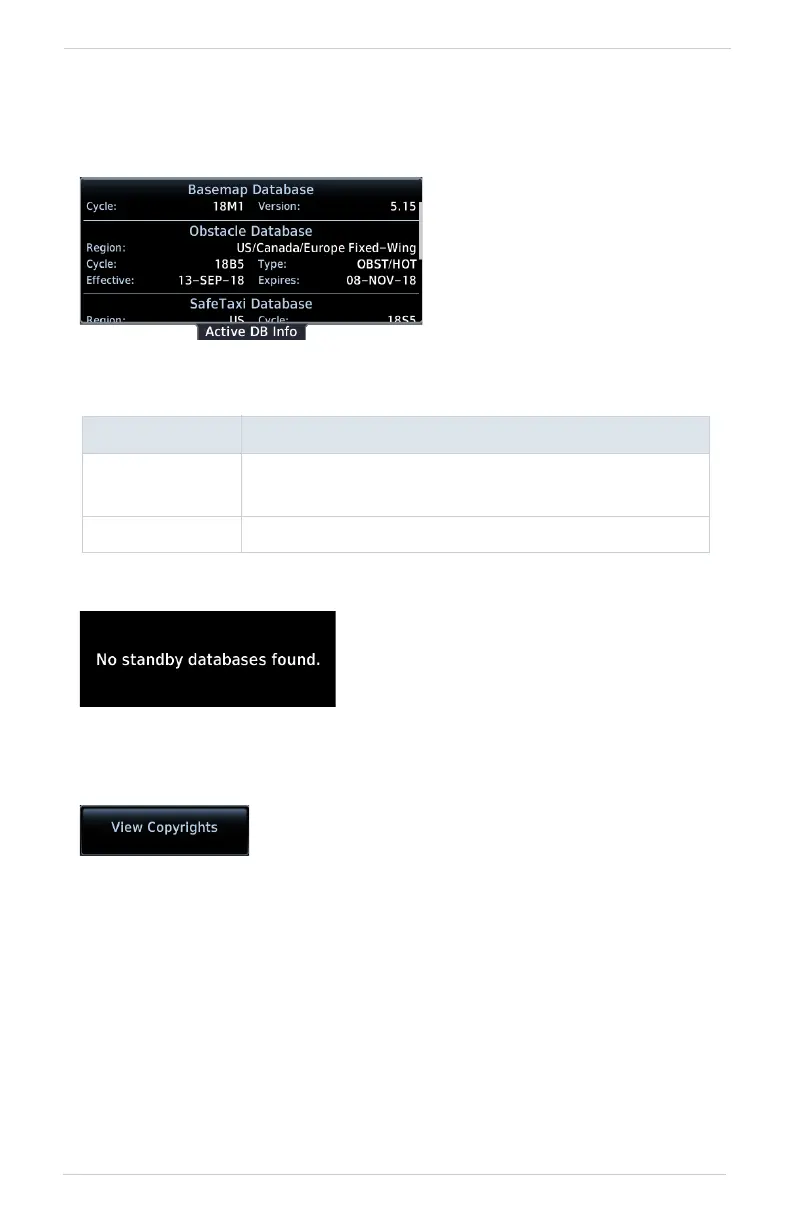
From the Home page, tap System > System Status > Select Active or Standby.
VIEW COPYRIGHTS
DB INFO PAGE DISPLAYS
Active
• Information about databases currently in use
• View Copyrights key
Standby • Information about databases that are not yet effective
During normal operation,
information about all active
and standby databases are
viewable on the associated
info page.
The Standby DB Info page notifies when no
standby databases are available.
Tapping this key displays copyright information for all
installed databases.



 To Next Page