2-16 Pilot’s Guide 190-02488-01 Rev. B
Get Started
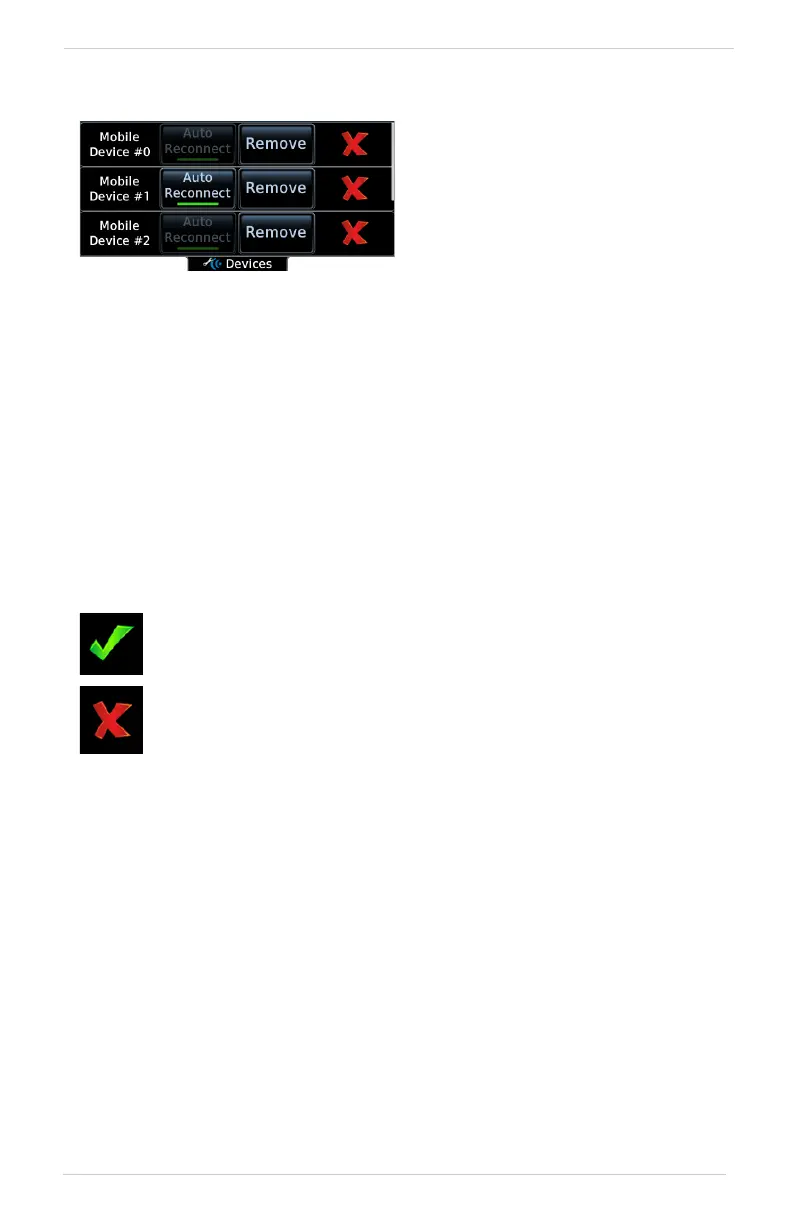
Managing Paired Devices
AUTO RECONNECT
Enables automatic connection between the unit and the paired device when the two
are within range.
REMOVE
Removing a device from the list means it is no longer paired with the unit. This action
requires pilot confirmation.
Be sure to remove pairing on both devices before attempting to pair them again.
CONNECTION STATUS
To view a list of all paired devices
and their connection status, tap
Paired Devices.
To enable automatic connection
between the unit and a paired
device at power up, tap
Auto Reconnect.
The device is configured and communicating properly.
The device is not available and is not configured or it is not
communicating properly.



 To Next Page