190-02488-01 Rev. B Pilot’s Guide 2-15
Bluetooth Wireless
Features
• FIS-B weather
[1]
• ADS-B traffic
[1]
• GPS/WAAS position, velocity,
and time
• Pressure altitude
• AHRS
• Magnetic heading
• Flight plan transfer
[1] GNX 375, or GPS 175/GNC 355
with external ADS-B In source.
The unit supports wireless pairing with
up to 13 portable electronic devices via
the Garmin Pilot app.
Bluetooth device management options
reside on the Devices page. Opening
this page automatically initiates device
pairing.
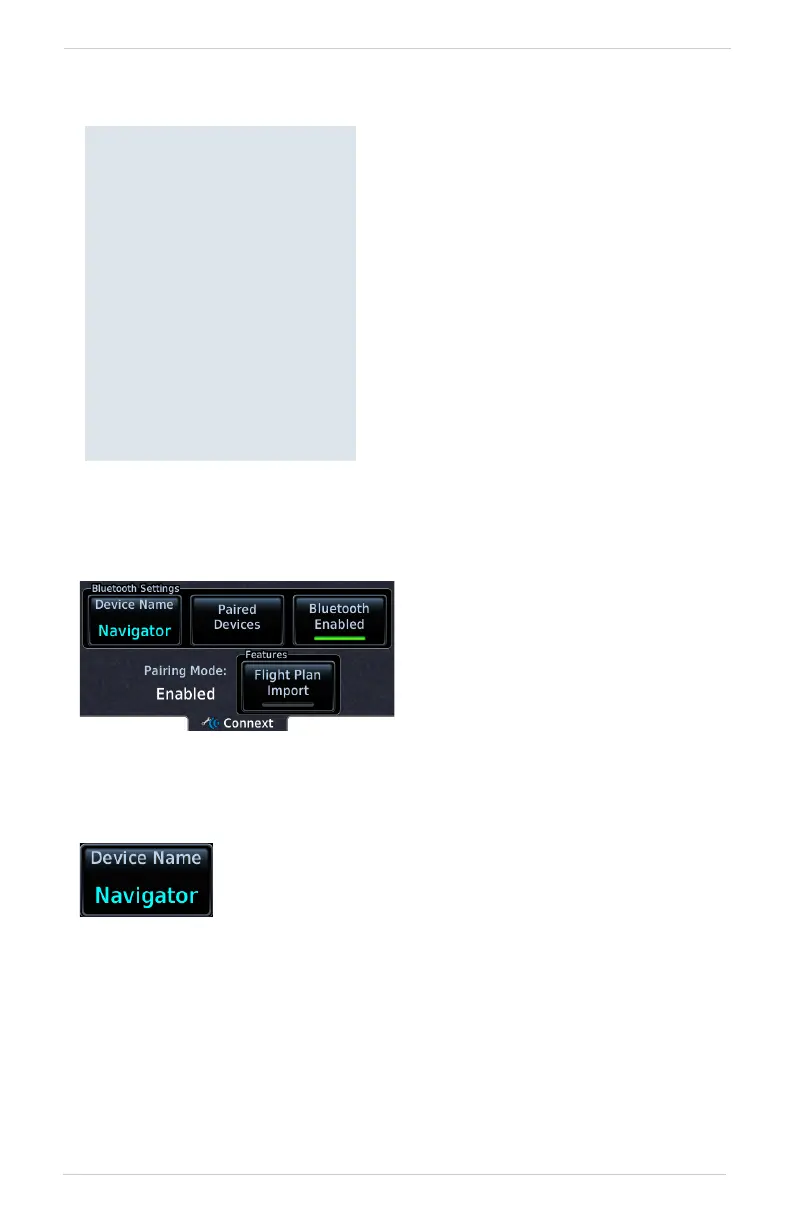
Device information and pairing mode
status display on the Connext page.
Tapping Bluetooth Enabled
toggles Bluetooth wireless
functionality on or off.
All associated setting controls and
features are unavailable when this
function is inactive.
This key allows you to enter the name of the Bluetooth
enabled device. Use the keypad or control knobs to enter
the device name.



 To Next Page