Navigation
190-02488-01 Rev. B Pilot’s Guide 3-43
Direct To
FEATURE LIMITATIONS
• Not all flight plan entries are selectable using Direct To (e.g., holds, course reversals)
Direct To Basics
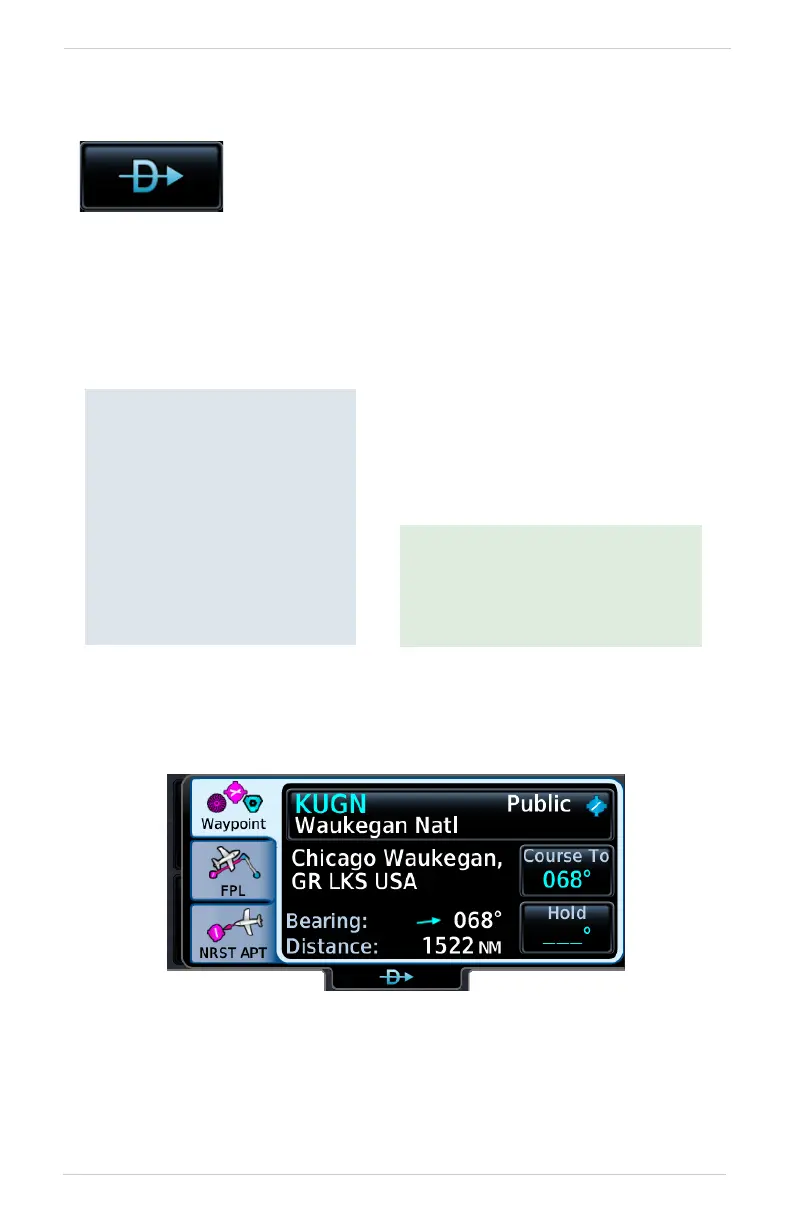
Direct To Search Tabs
Search tabs include: Waypoint, FPL, and NRST APT
Tapping this key opens the Direct To function. Search tabs
provide three different methods of waypoint selection.
Direct To is useful for
quickly navigating to:
• New waypoints
• An existing waypoint in the
active flight plan
• Nearby airports
• Map waypoints
• An off-route course
• User-defined holds
Set a course to any waypoint using
Direct To.
Selecting an identifier automatically
displays information about the
waypoint.
When navigating to a single
waypoint (e.g., a nearby airport),
the Direct To function provides a
quicker alternative to using the
active flight plan.



 To Next Page