190-02488-01 Rev. B Pilot’s Guide 2-9
Get Started
Automatic Updates
The unit automatically restarts once the update is complete. The update is indicated
in the list of currently installed databases.
INSTALL OR UPDATE A DATABASE USING AN SD CARD
1. Download a database onto an SD card.
2. Insert the SD card with the most recent database(s) into the card slot.
3. Power on the unit.
BASEMAP AND TERRAIN UPDATES
These databases automatically transfer from an SD card without any prompting or
progress indications. They do not require pilot confirmation or a unit restart.
Automatic updates occur
when:
• A newer database is
detected on the SD card or in
the internal standby queue
• A newer database is within
its effective dates
• The aircraft is on ground
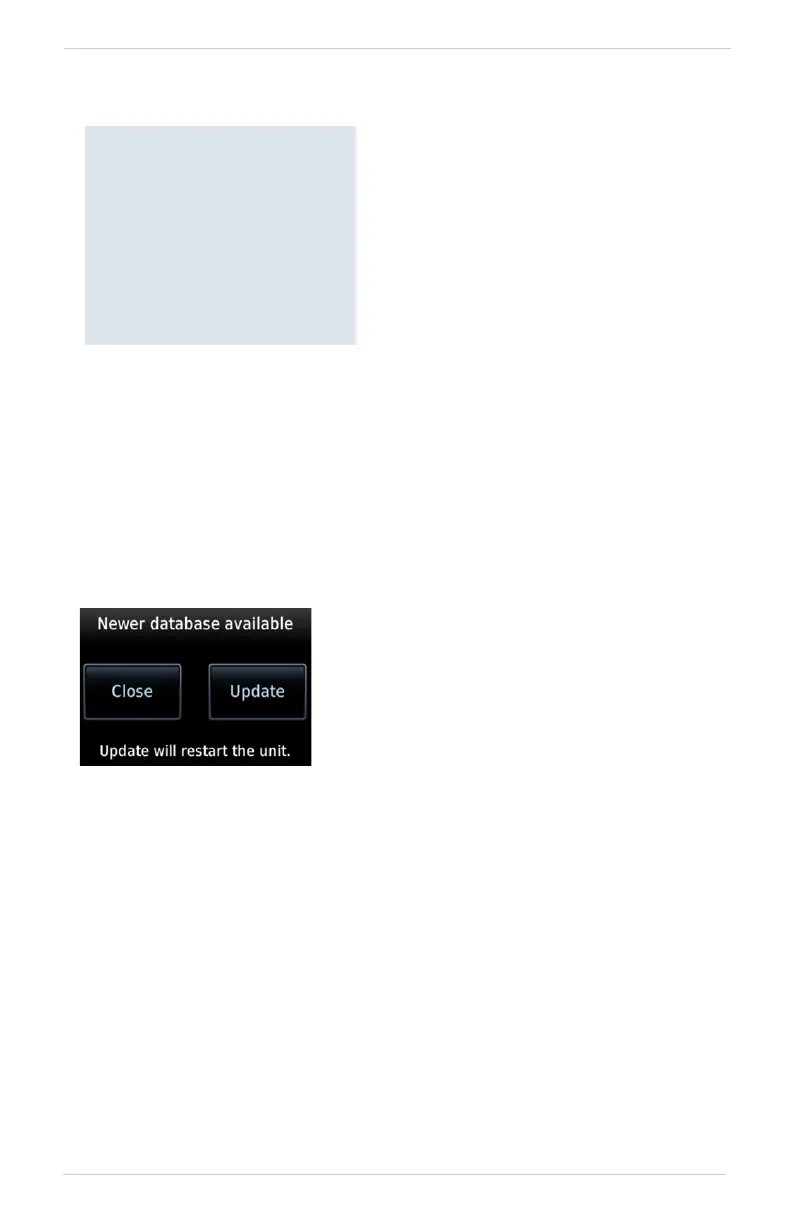
When a newer database is available,
follow the on-screen prompts to
complete the update process.
A status page displays a progress bar
and the name of each database as it
uploads to the unit. Terrain databases
may require up to 5 minutes for
transfer. Total transfer time depends on
the SD card type.
Selecting Update opens the DB Updates
page, where a list of the newest databases is
available for review.
All newer databases (effective and expired)
transfer from the SD card to the internal
standby queue.



 To Next Page