1-14 Pilot’s Guide 190-02488-01 Rev. B
System at a Glance
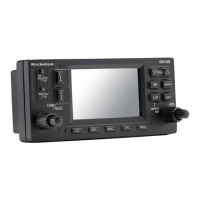
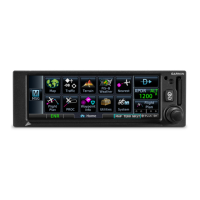
GNC 355/355A
From most pages:
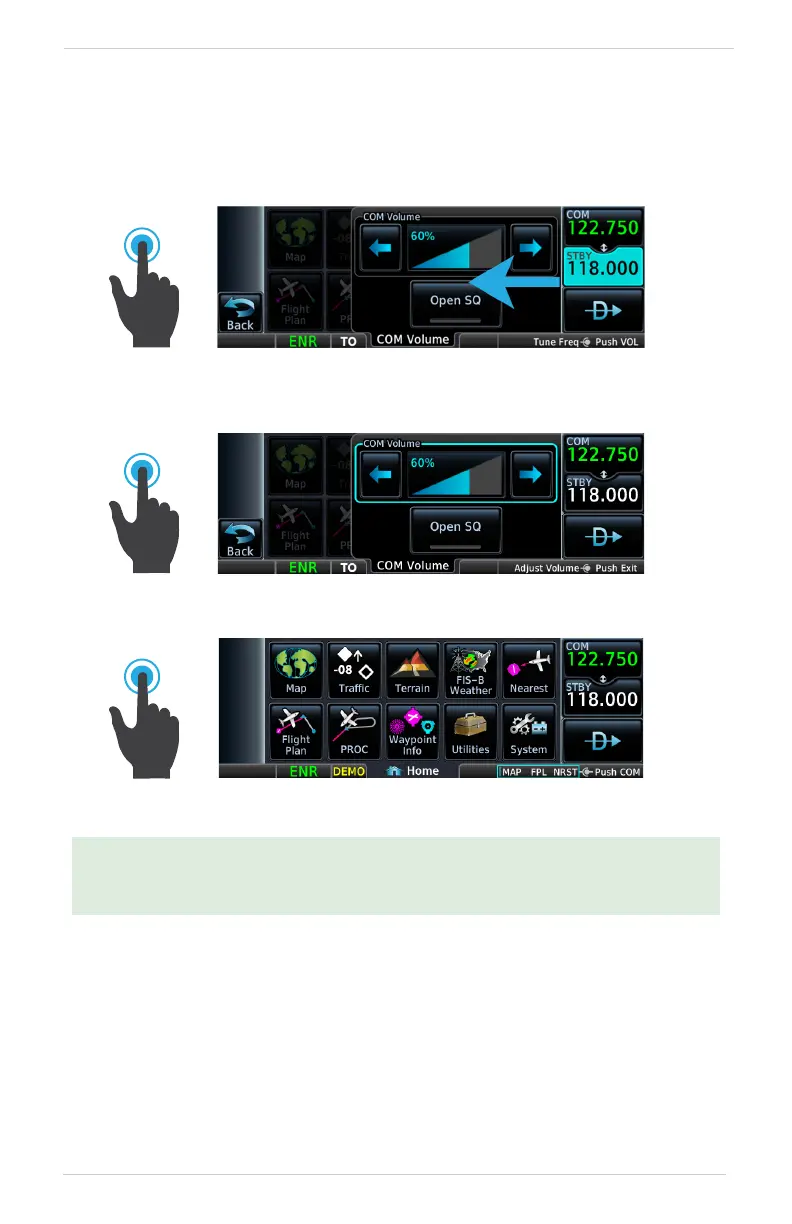
Pushing once enables standby frequency tuning mode and
opens the COM volume controls. Turn the inner and outer knobs
to tune the standby frequency.
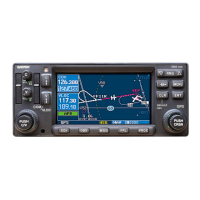
Pushing twice sets the knob focus to the volume slider. Turn the
inner and outer knobs to adjust the volume percentage.
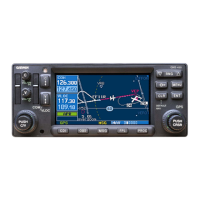
Pushing again closes the menu and returns to the previous view.
A cyan border indicates changes in knob focus. This is useful when transitioning
through the different control modes: page navigation > STBY frequency tuning >
COM radio volume adjustment > page navigation


 To Next Page