190-02488-01 Rev. B Pilot’s Guide 2-11
Get Started
The unit activates any databases that completed transfer before the interruption.
Previously selected databases on an SD card or in the internal standby update as well.
The message “Transfers interrupted” displays if no databases are available.
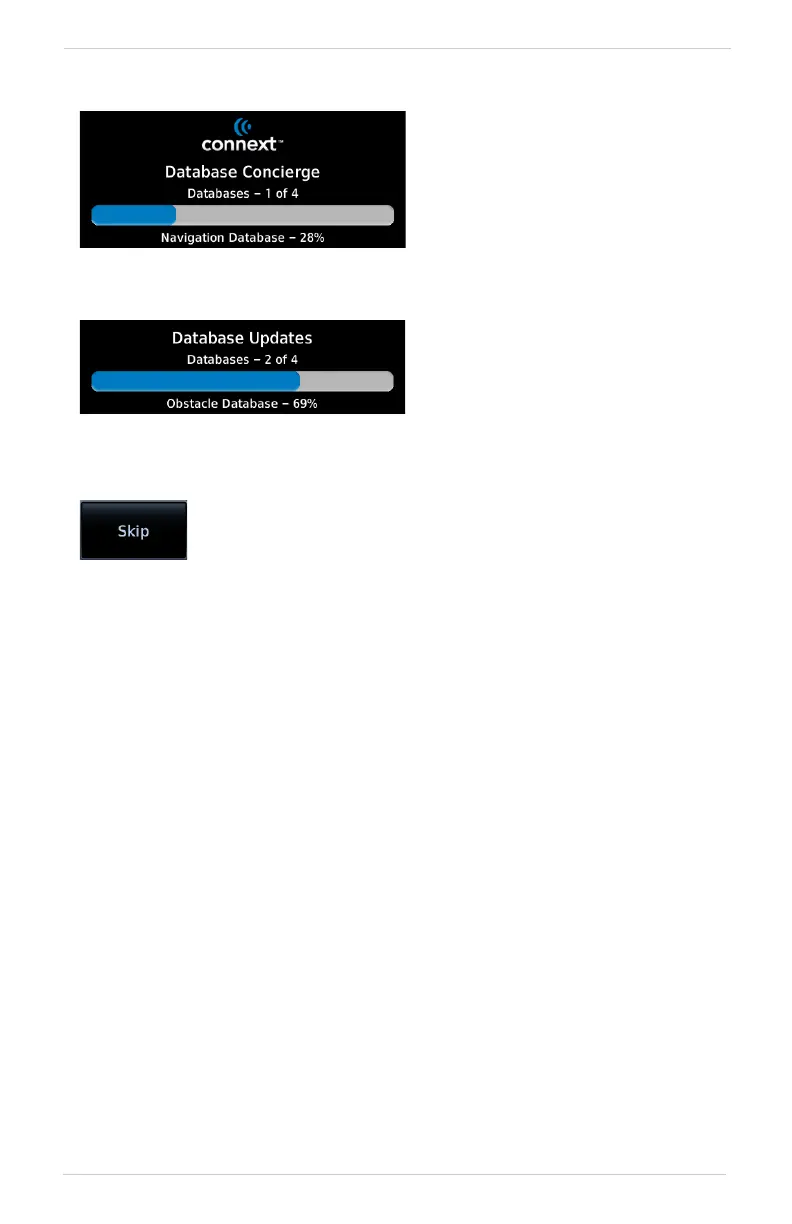
Database Concierge transfers
databases from the app to
Flight Stream 510.
A progress bar shows when this
process is complete.
Database Transfer Status
The unit either updates or
preloads databases based on their
effective date. A second progress
bar indicates upload status. The
unit automatically restarts upon
database activation.
Database Update Status
Tapping Skip cancels any unfinished wireless transfers and
initiates the update process.



 To Next Page