2-34 Pilot’s Guide 190-02488-01 Rev. B
Get Started
ADD A USER FREQUENCY
From the COM Standby page:
1. Tap Find > Select the User tab.
2. Tap Add User Frequency.
3. Specify the frequency name and value.
4. Tap Save.
EDIT USER FREQUENCY
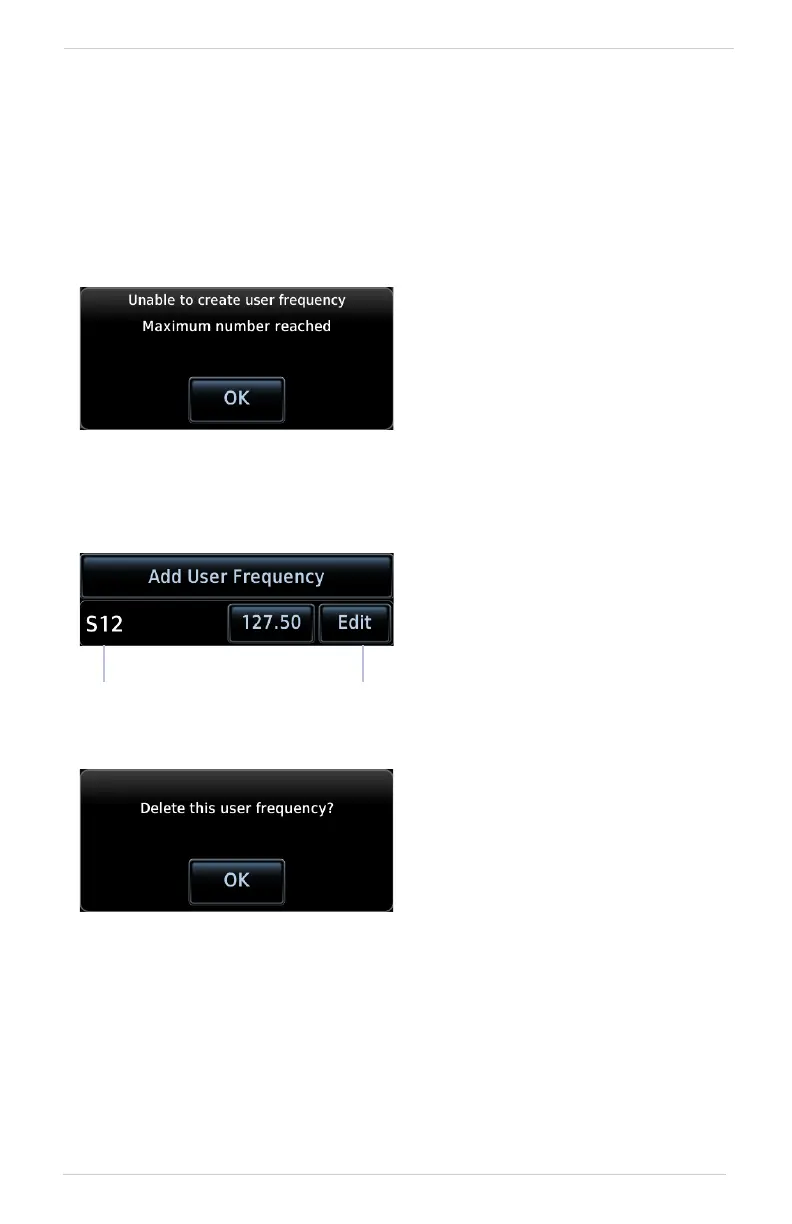
A pop-up message informs when
the user frequency list is full.
Tapping the Edit key for an existing
entry opens the same pop-up. From
here you may modify the user
frequency name and value.
Tapping Save stores all changes.
Edit Key
User
Frequency
Tapping Delete removes the
selected user frequency from the
list. A pop-up message requests
confirmation.



 To Next Page