5. AUTOMATION
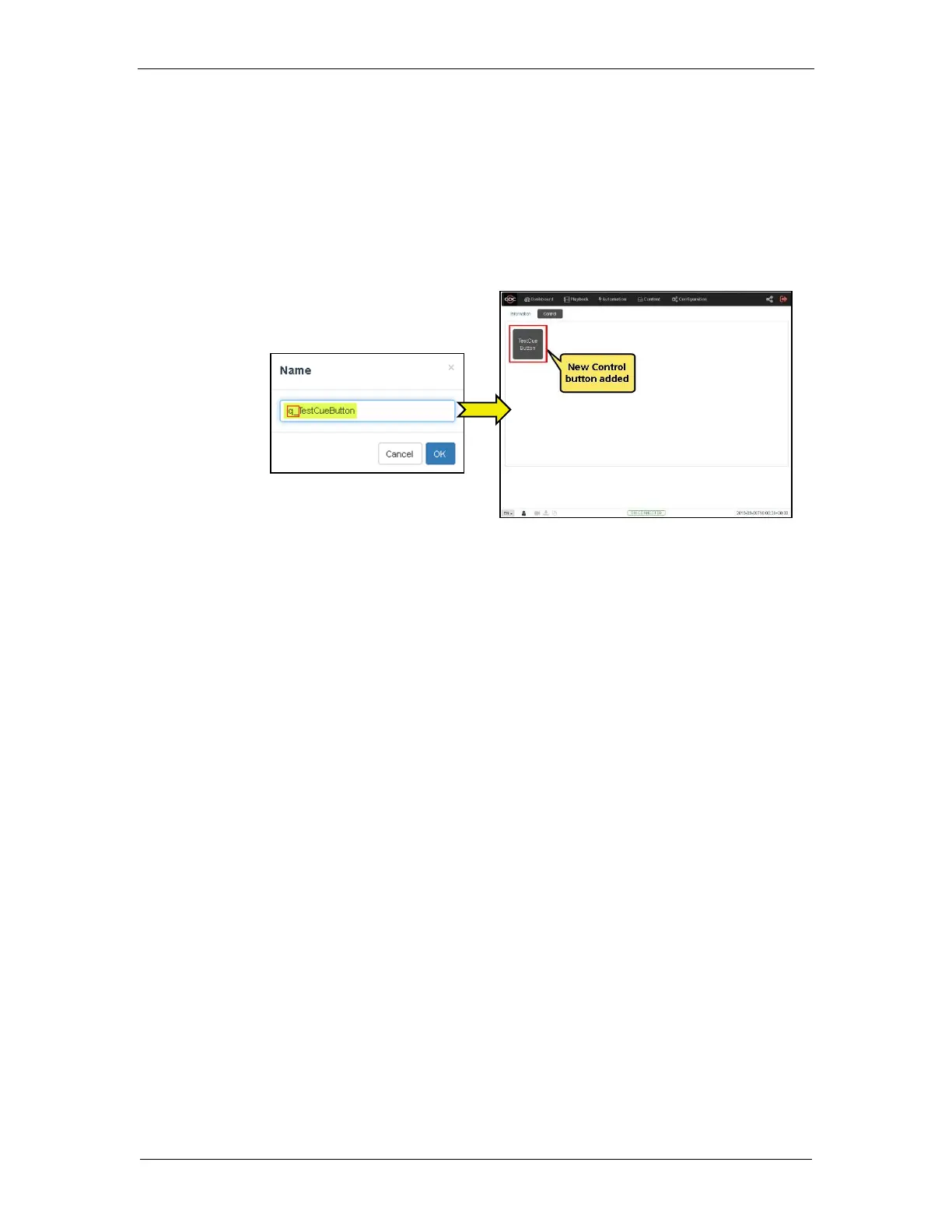
Note: In order to create a quick access button for a particular automation cue which can be
accessed from the
Control
sub-tab under
Dashboard
;
insert the prefix “q_” before the
actual cue name while creating a new automation cue (For cues which already exist on the
Server, select the cue name and use the Rename option).
Save the changes by clicking on the Save button. A new quick access button should be
created under the Control sub-tab, as shown below:



 To Next Page