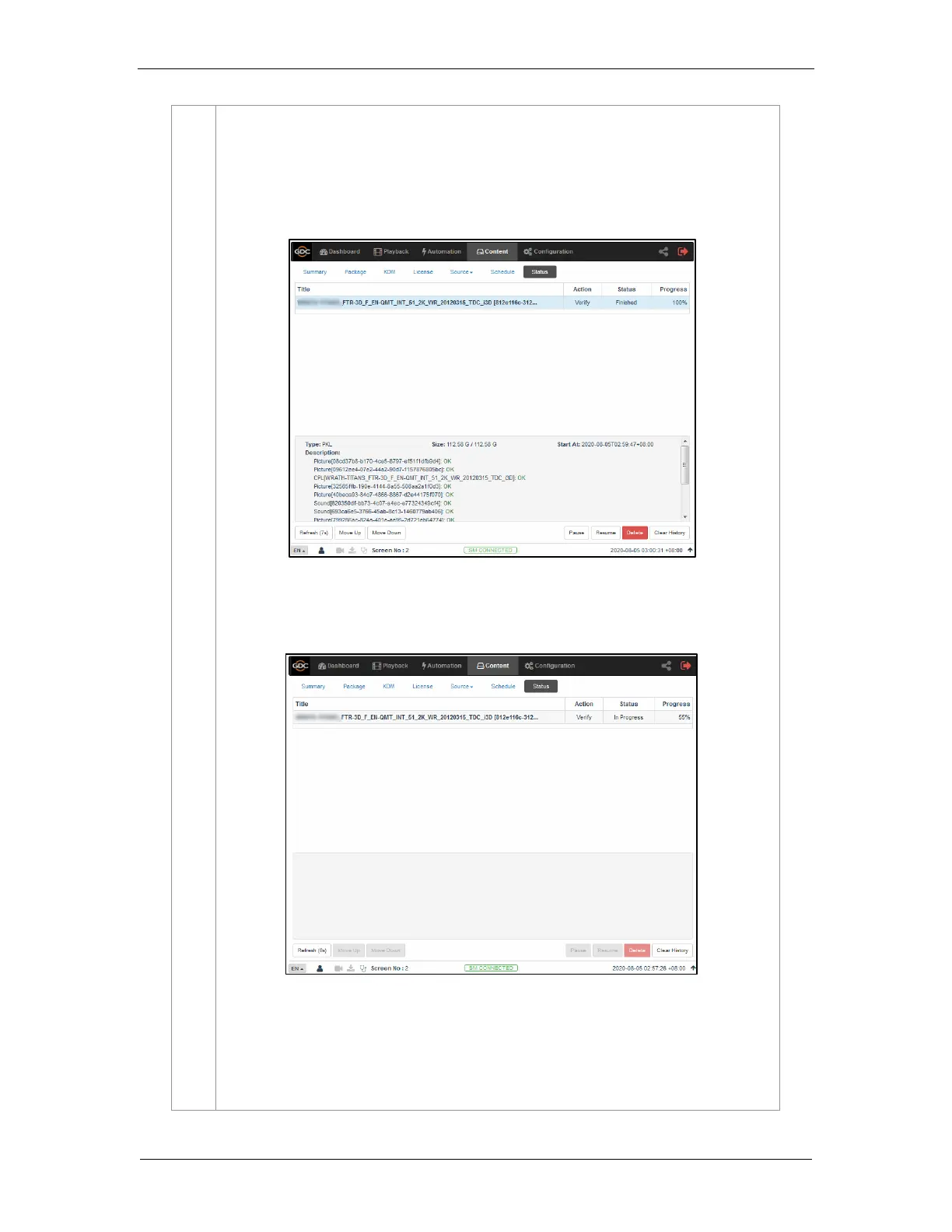
Click on the Verify button. There are 3 ways in which content can be verified:
a) Quick Verify: The selected content gets quickly verified. . The Verification status
will be displayed under the Status tab. The Green OK indicates no error is found.
Otherwise, the description of the error will be shown.
b) Immediately Verify: Immediate full verification of the selected CPL/PKL. The
Verification status will be displayed under the Status tab.



 To Next Page