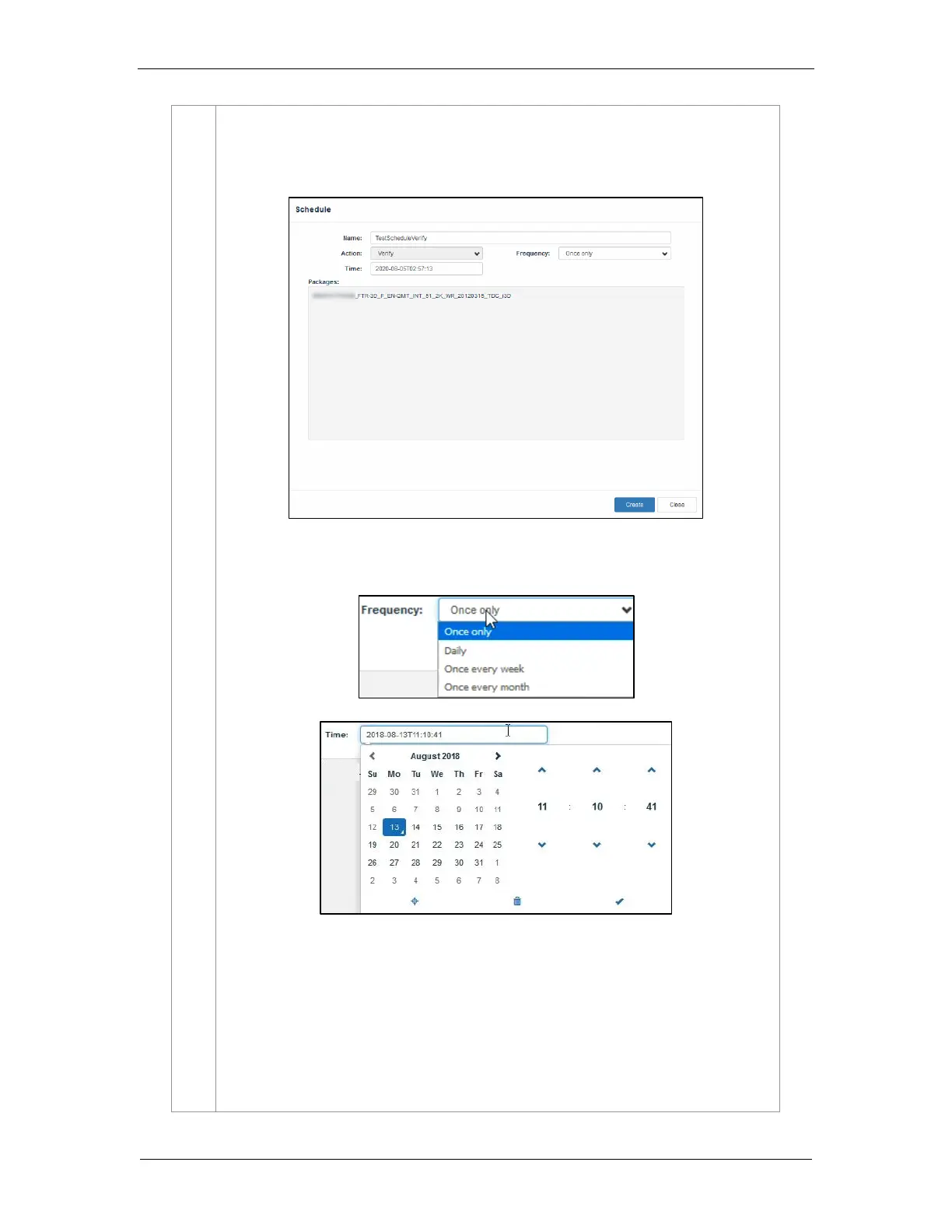
c) Schedule Verify: Set a date and time for full verification of the selected CPL/ PKL. A
pop-up window will be shown to provide details for the schedule. Provide a Name for
the schedule being created.
Select the frequency and date and time for the schedule
Click on the Create button to schedule the verification. The scheduled verification
will be displayed under the Schedule tab, as shown below. To delete this schedule,
click on the Delete button.



 To Next Page