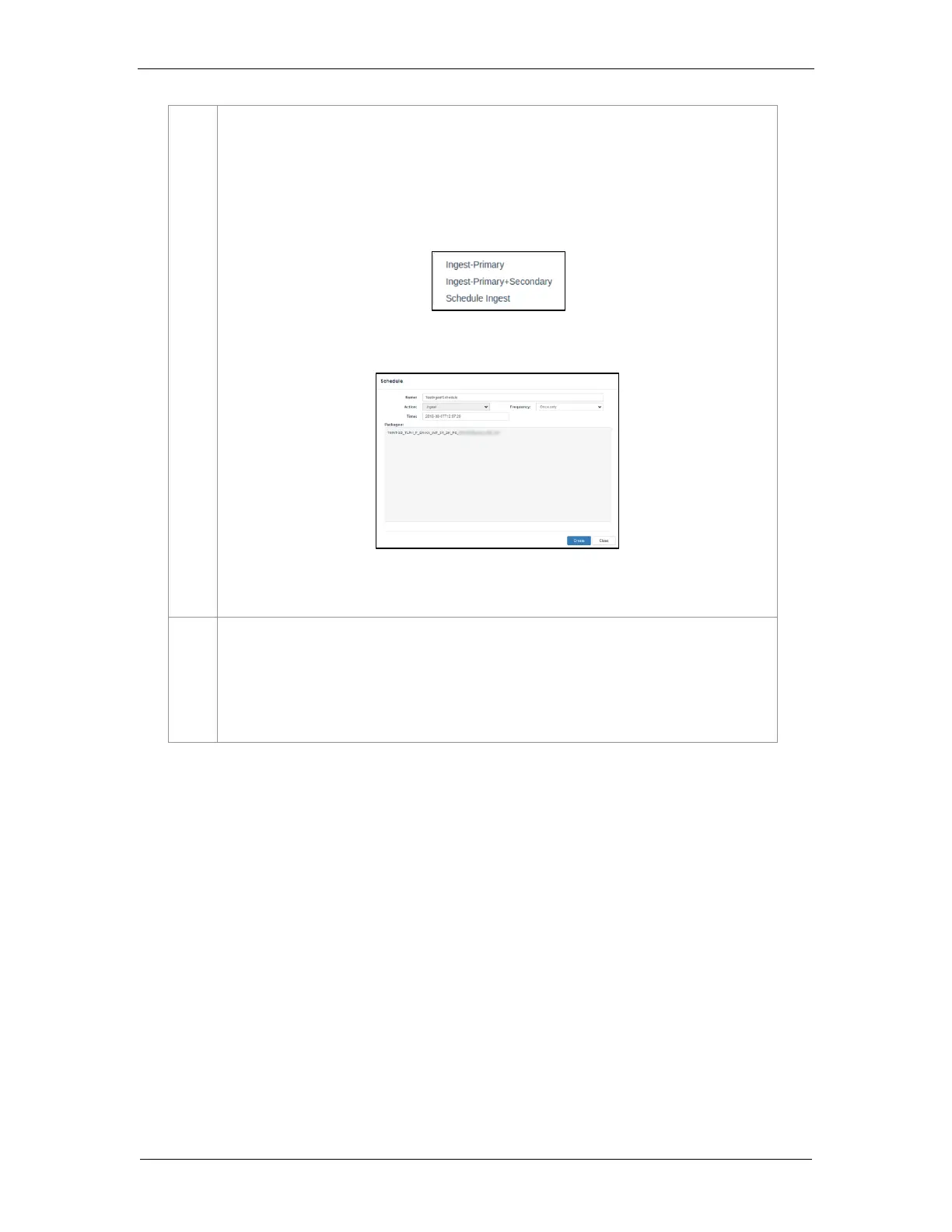
Click on the Ingest button and select the Ingest-Primary option to queue downloading of the
PKL/CPL. (To bypass ingestion for direct playback you can click on Live Play instead. Refer to
Section 6.5.1.3 for details).
Note: For SR-1000 with CineCache™, if the Secondary Storage has been enabled under
Configuration → Storage, you will be given an option to either ingest to the Primary storage or
to both the Primary as well as the Secondary storage at the same time, as shown below:
You may also ingest the selected content by creating a schedule using the Schedule Ingest
option, as shown below:
To check on the download status of the ingested content, go to the Status tab. Refer to
Section 6.7 for more details.
When done selecting the package(s), click on the Close button.
IMPORTANT: Always press Close after you are done starting the download of content. You
can monitor the progress of ingest from the Status sub-tab. Refer to Section 6.7 from more details
about the Status sub-tab.



 To Next Page