USER MANUAL FOR SR-1000 STANDALONE INTEGRATED MEDIA BLOCK™
Channel Mapping
Enable LTC Output on
Channel 15/16
Use the audio channel mapping interface to map content audio
channels to different audio output channels.
Refer to Section 7.2.1 for details related to Audio Channel
Mapping.
Enables LTC output on Channel 15/16 would be needed for
supporting 4D devices.
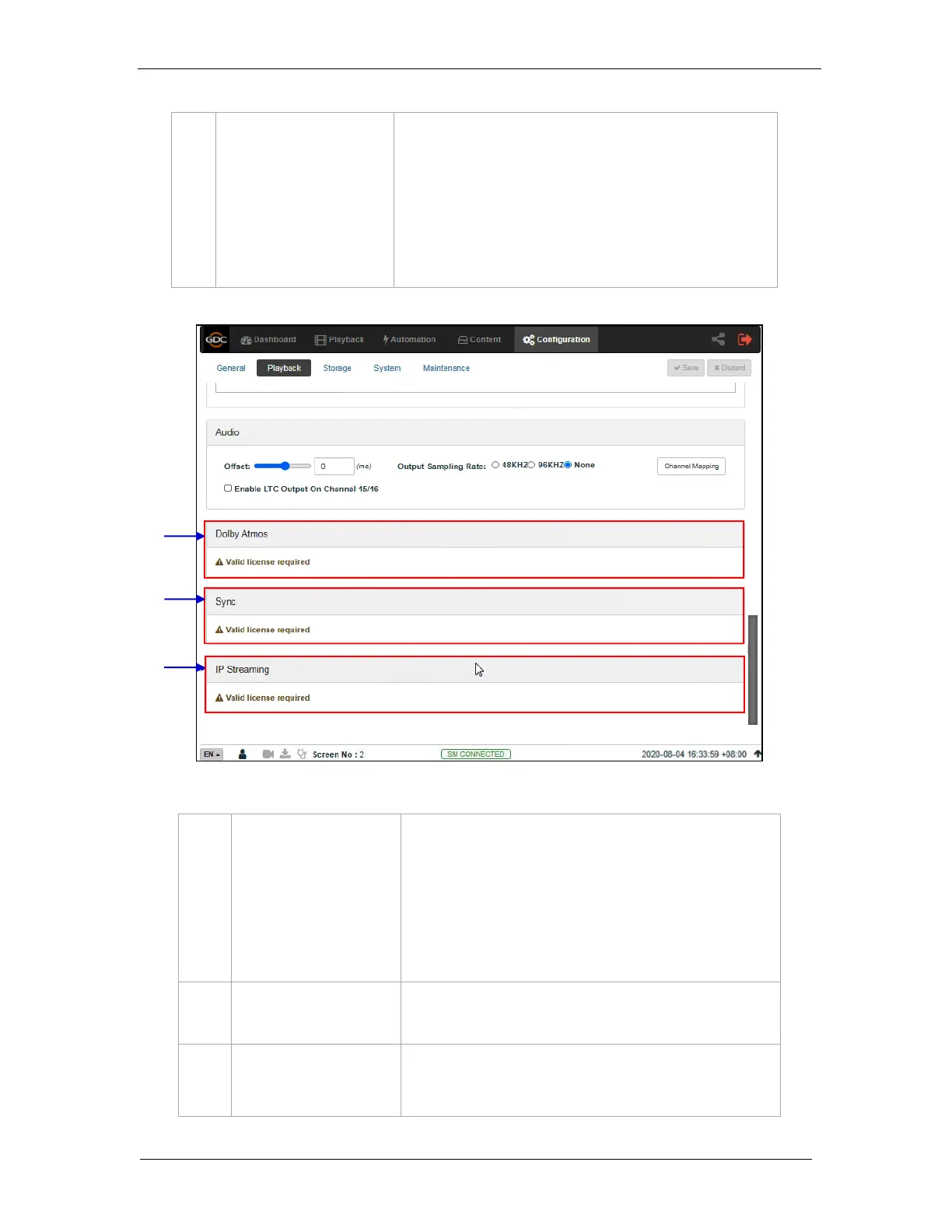
Figure 52: Playback Configuration (4)
Configure the SR-1000 to work with a Dolby CP850 sound
processor with Dolby Atmos.
A valid license is required to enable Dolby Atmos support on
the SR-1000:
Check Enable to enable Dolby Atmos support.
Set the Atmos Data IP and Atmos TLS IP according to
network requirements.
A valid license is required for Sync settings.
(Refer to Section 10.1 for details.)
A valid license is required to enable IP Streaming on
the SR-1000.



 To Next Page