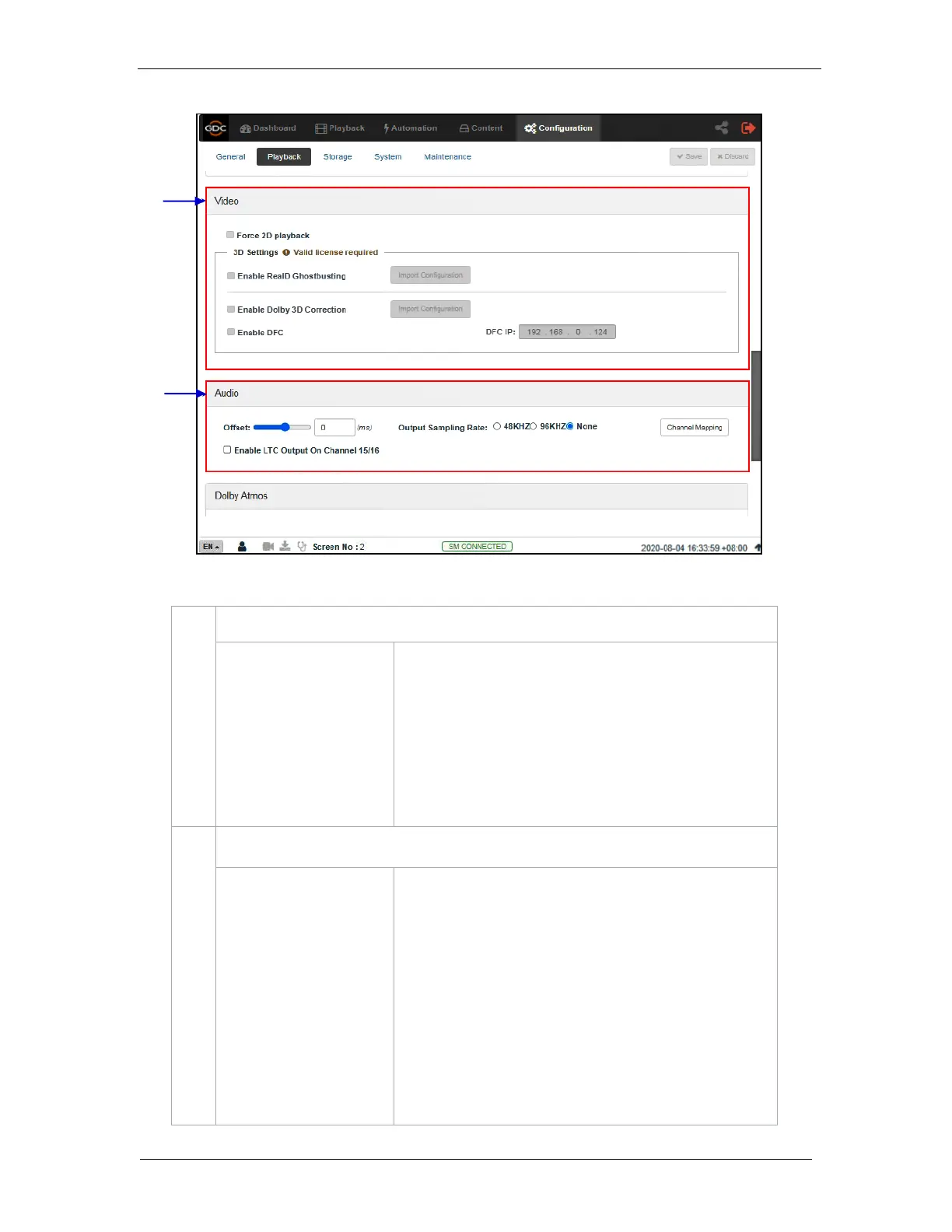
Force 2D playback for 3D content. A valid license is required to
enable this option.
RealD Ghostbusting, Dolby 3D Color Correction and DFC are
calibration functions for corresponding 3D technologies.
Valid license(s) are required to enable these options.
Specify an audio delay during playback. A negative audio delay
will cause audio to be played ahead of video. A positive audio
delay will cause audio to be played behind video.
Change audio output sampling rate. Output audio sampling rate
can be fixed at 48kHz or 96kHz for all content, or it can match
the content’s audio sampling rate (option ‘None’). If the output
sampling rate is set to a fixed value (48kHz or 96kHz), content
audio is re-sampled if it does not match the output sampling
rate.
Note: When the Audio Processing License is installed,
only 48kHz output sampling is supported. Refer to Section 8
for more details.



 To Next Page