GE MEDICAL SYSTEMS
DIRECTION 2380207, REVISION 7 LOGIQ™ 5 PRO SERVICE MANUAL
8 - 68 Section 8-5 - Covers
8-5-15 Side Cap (FRU No. 314)
Purpose: This is a description on how to remove and replace the Side Cap.
8-5-15-1 Tools
• Not required
8-5-15-2 Needed Manpower
• 1 persons, 3 minute + travel
8-5-15-3 Preparations
8-5-15-4 Removal Procedure
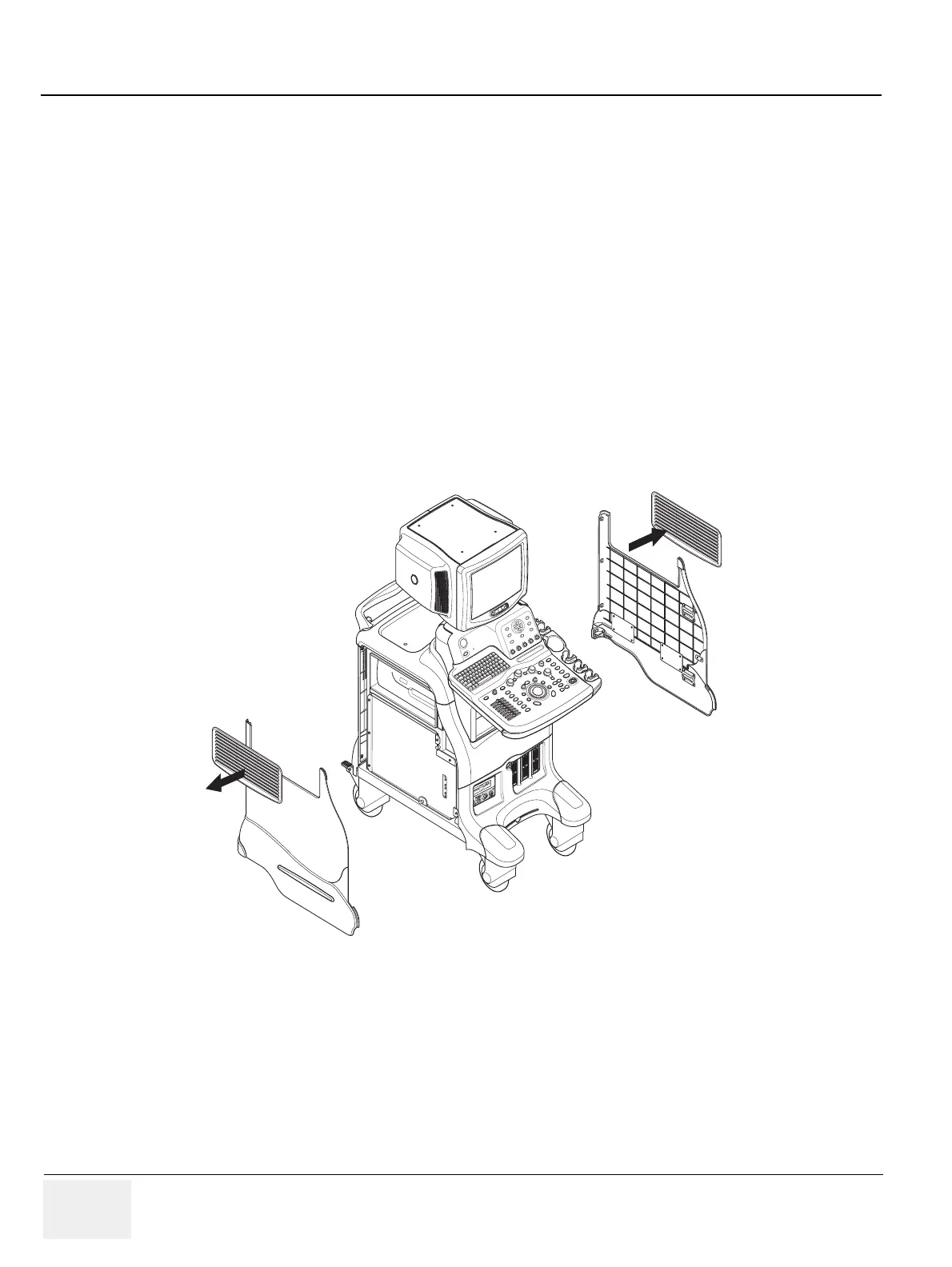
1.) Remove the Left Cover (FRU No.300). Refer to section 8-5-1 on page 41.
2.) Pull the Side Cap upward from the Left Cover.
3.) Remove the Right Cover. Refer to section 8-5-2 on page 43.
4.) Pull the Side Cap upward from the Right Cover. Refer to Figure 8-63.
Figure 8-63 Removing Side Caps


 To Next Page