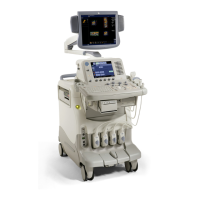
GE MEDICAL SYSTEMS
D
IRECTION 2380207, REVISION 7 LOGIQ™5 PRO SERVICE MANUAL
Chapter 10 Care & Maintenance 10-13
10-7-4-1 Meter Procedure
Follow these steps to test the ground wire resistance.
1.) Turn the LOGIQ™ 5 unit OFF.
2.) Plug the unit into the meter, and the meter into the tested AC wall outlet.
3.) Plug the black chassis cable into the meter's “CHASSIS” connector and attach the black chassis
cable clamp to an exposed metal part of the LOGIQ™ 5 unit.
4.) Set the meter's “FUNCTION” switch to the RESISTANCE position.
5.) Set the meter's “POLARITY” switch to the OFF (center) position.
6.) Measure and record the ground wire resistance.


 To Next Page