GE MEDICAL SYSTEMS
DIRECTION 2380207, REVISION 7 LOGIQ™ 5 PRO SERVICE MANUAL
3 - 26 Section 3-10 - Paperwork
Section 3-10
Paperwork
NOTE: During and after installation, the documentation (i.e. User Manuals, Installation Manuals...) for the
peripheral units must be kept as part of the original system documentation. This will ensure that all
relevant safety and user information is available during the operation and service of the complete
system.
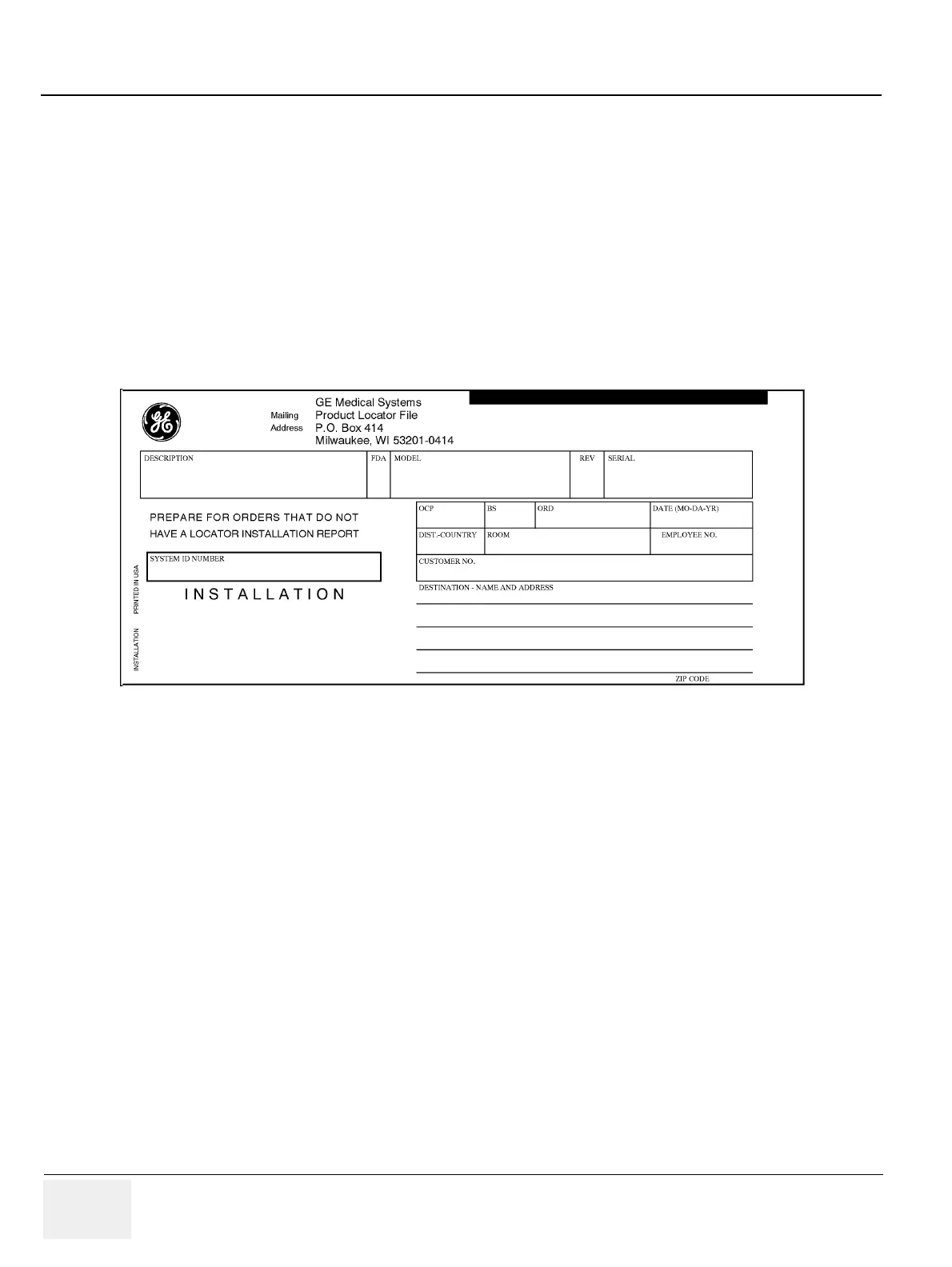
3-10-1 Product Locator Installation
NOTE: The Product Locator Installation Card shown may not be same as the provided Product Locator
card.
3-10-2 User Manual(s)
Check that the correct User Manual(s) for the system and software revision, is included with the
installation. Specific language versions of the User Manual may also be available. Check with your GE
Sales Representative for availability.
3-10-2-1 Reference off-board peripherals and options
None.
Figure 3-23 Product Locator Installation Card


 To Next Page