GE MEDICAL SYSTEMS
D
IRECTION 2380207, REVISION 7 LOGIQ™ 5 PRO SERVICE MANUAL
Chapter 8 Replacement Procedures 8 - 141
8-8-2-5 Mounting procedure
1.) Install the new parts in the reverse order of removal.
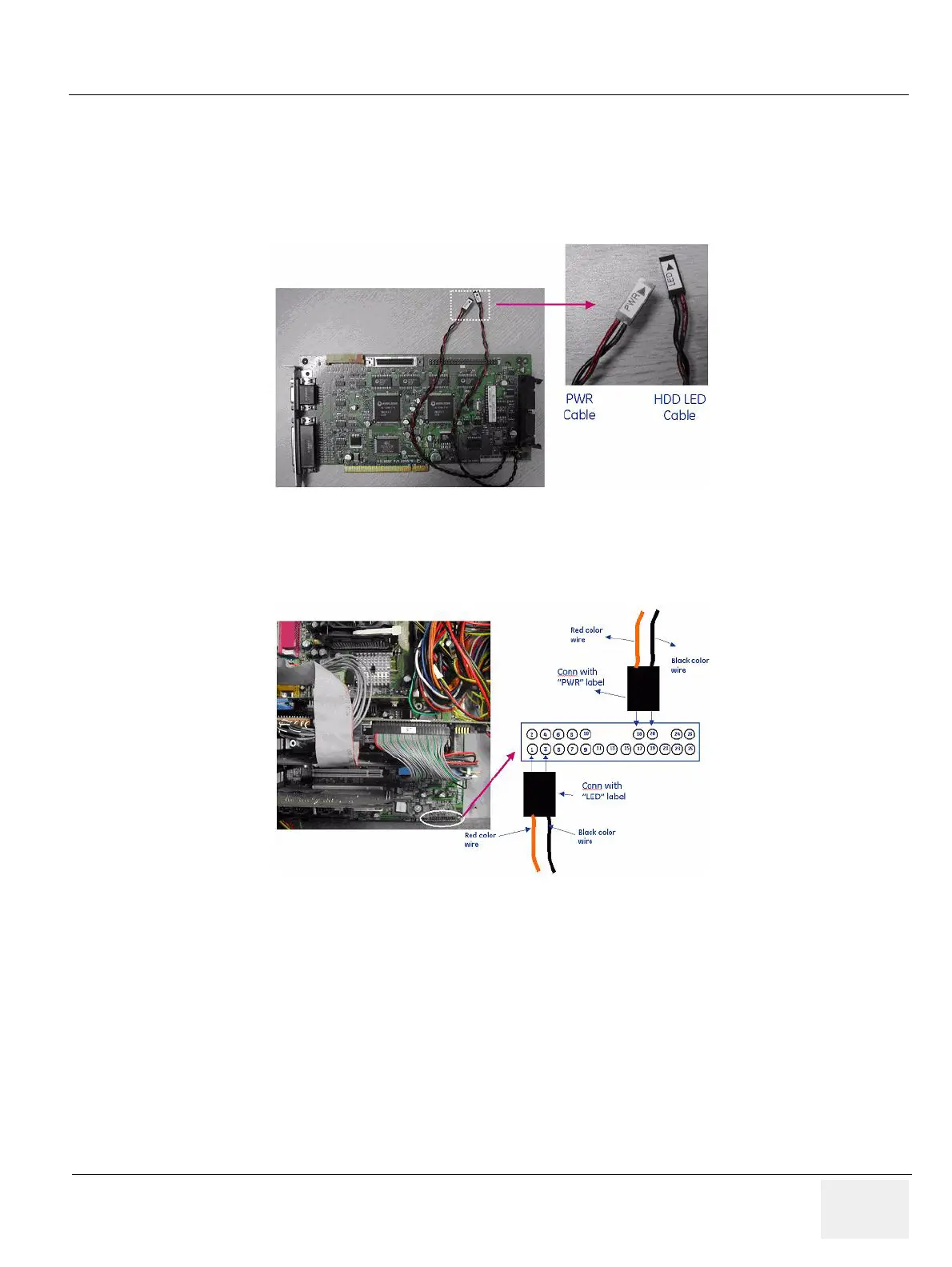
2.) Detail procedure of Harness routing about HDD LED cable and PWR cable.
In case of disconnection HDD cable and PWR cable from Mother Board.
Case 1. BEP 1
Figure 8-153 PWR Cable & HDD LED Cable with VIC Assy
Figure 8-154 BEP1


 To Next Page