GE MEDICAL SYSTEMS
D
IRECTION 2380207, REVISION 7 LOGIQ™ 5 PRO SERVICE MANUAL
Chapter 8 Replacement Procedures 8 - 191
8-11-1-2 USB Printer Checks (USB Printer User Only) (cont’d)
2.) Make sure that printer properties are proper. (Image orientation and size). Refer to the latest
Release Notes.
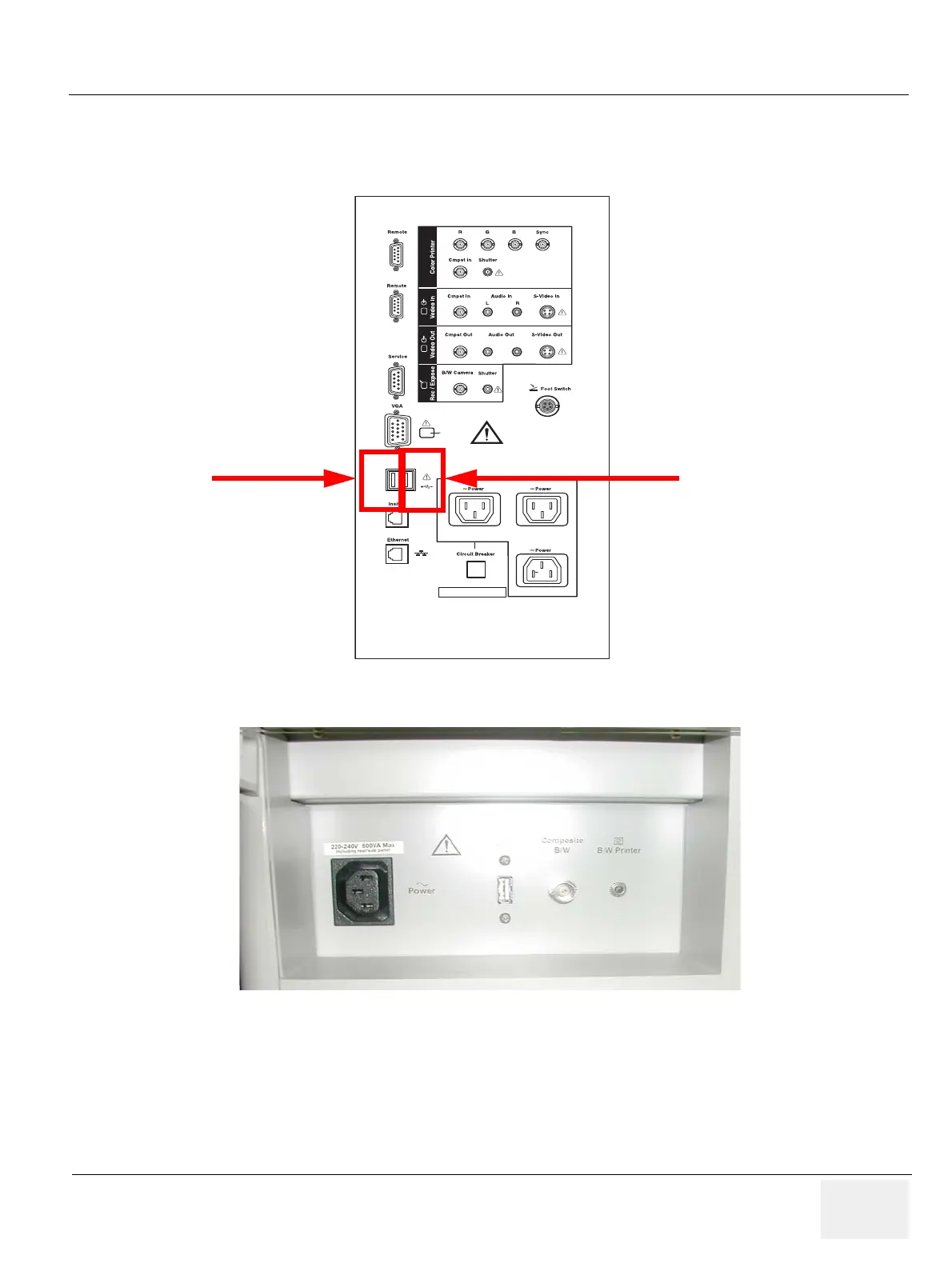
Figure 8-228 USB Port - Rear Panel Connector
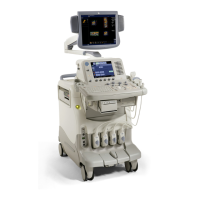
Figure 8-229 USB Port - OP Printer Bracket Back Panel
220-240V 500VA Max
Including front printer panel
1
2
Serial
1 2
Right
Left


 To Next Page